
Edit product area
This can be used to calculate the area of a matching configuration around the stations of the product.
To this end, a matching configuration has to be chosen and the radius (“buffer”) that will be applied around the stations has to be specified. The default buffer is 1200 meters.
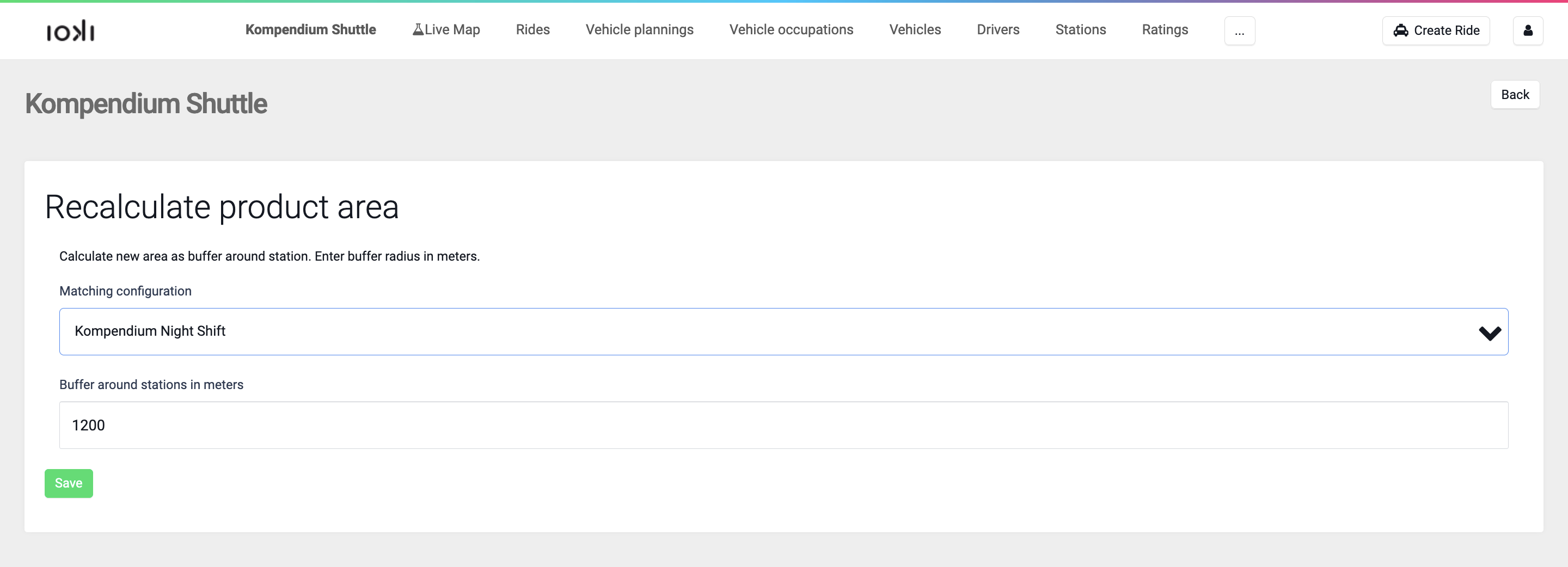
The resulting area is then saved as GeoJSON in the matching configuration under Geographic Properties. Note that this feature always uses all specified (and not archived) stations and not only the ones lying within the selected matching configuration.
The product area is updated according to the rules specified in the Geographic Properties in the product settings.
When using this feature please be aware that the newly generated area overwrites the old area of the matching configuration and there is no easy way to retrieve it.
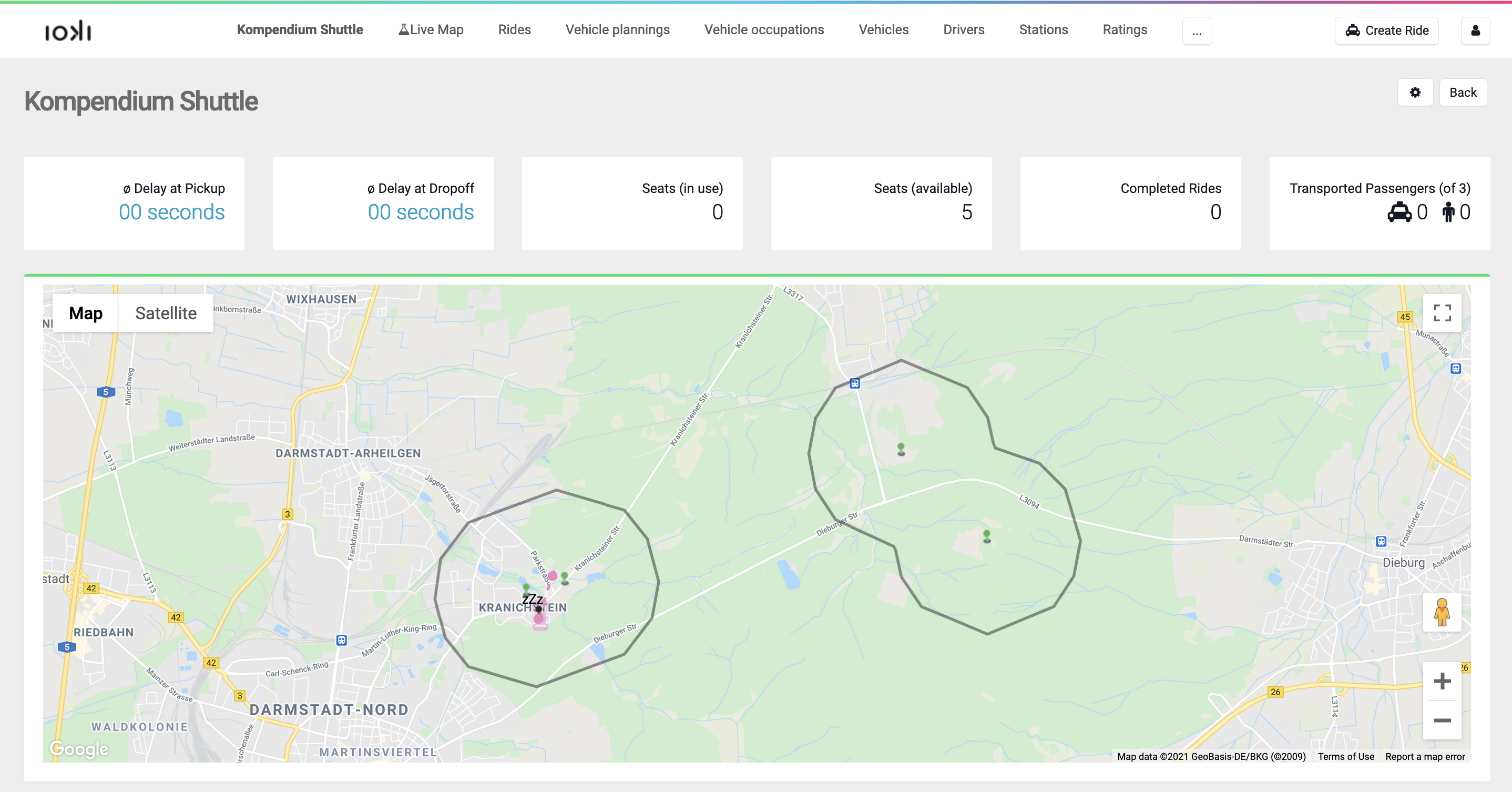
In a product, there are four stations.
Applying the Edit Product Area option to any matching configuration with Buffer around stations in meters results in the following area where the locations of the stations are depicted with the green dots:
However, note that this is only the case if no other matching configurations exist. Otherwise, the union specified in the product settings is applied.
Permissions:
update_product_area