
October 2025
Important notice
Consistent slug validation across all object types
In the ioki Platform slug validation rules will be standardized across all object types. This change will take effect on November 4, 2025 and ensures consistent and predictable behavior when creating or managing slugs.
From this date onward, all slugs will be converted to lowercase and may only contain letters (a–z), numbers (0–9), hyphens (-), and underscores (_). Existing slugs will automatically be renamed accordingly on the effective date. This change affects data import and mapping, particularly when importing via the Data Bridge.
Please note that this change affects the slugs for Area, Line, MatchingConfiguration, Operator, Place, and StationCategory for some providers. If you have integrated our API, please verify whether the updated slug format requires any adjustments on your side.
ioki Operator
Stations bulk delete
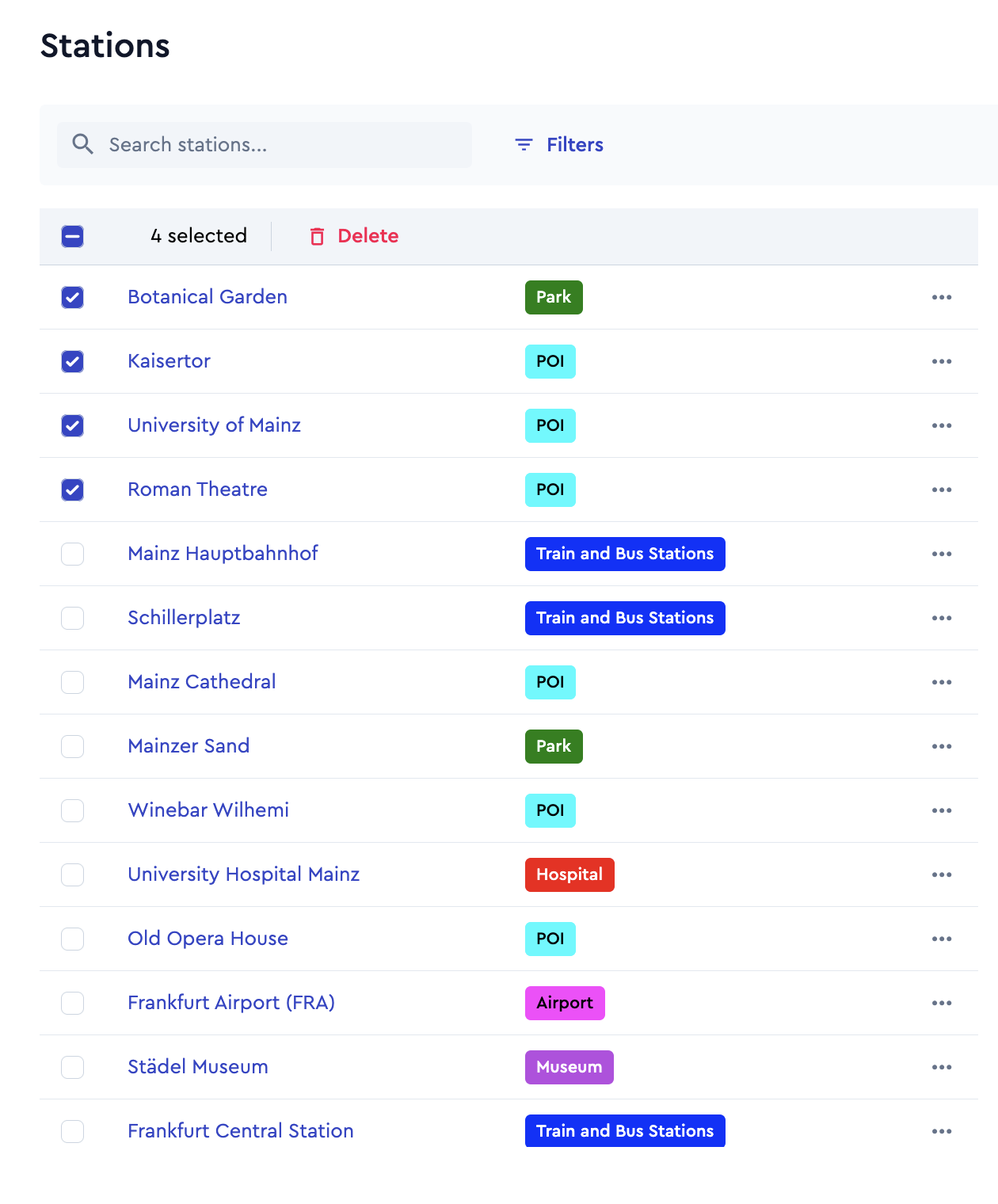
With this release, the ioki Operator has been enhanced to make station management more efficient and user-friendly. The new bulk delete function enables operators to select and remove multiple stations at once, simplifying the process of maintaining and updating station data.
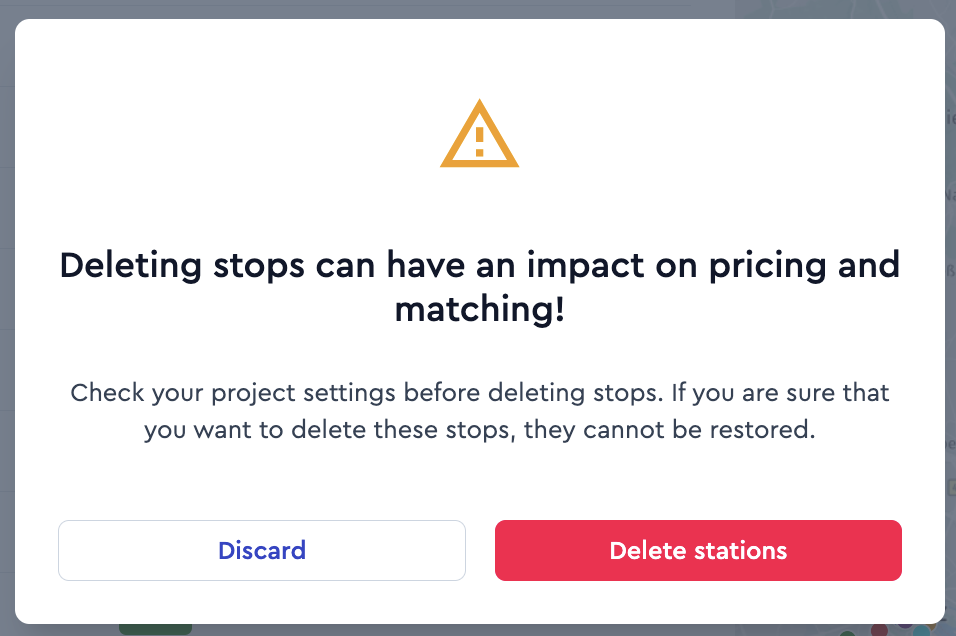
Users can select individual stations using checkboxes or select all stations at once to handle larger sets of data. Once stations are selected, the delete action becomes available and must be confirmed to prevent accidental deletions. Before the deletion is completed, users are shown a warning message to ensure the action is intentional.
Vehicle planning bulk delete
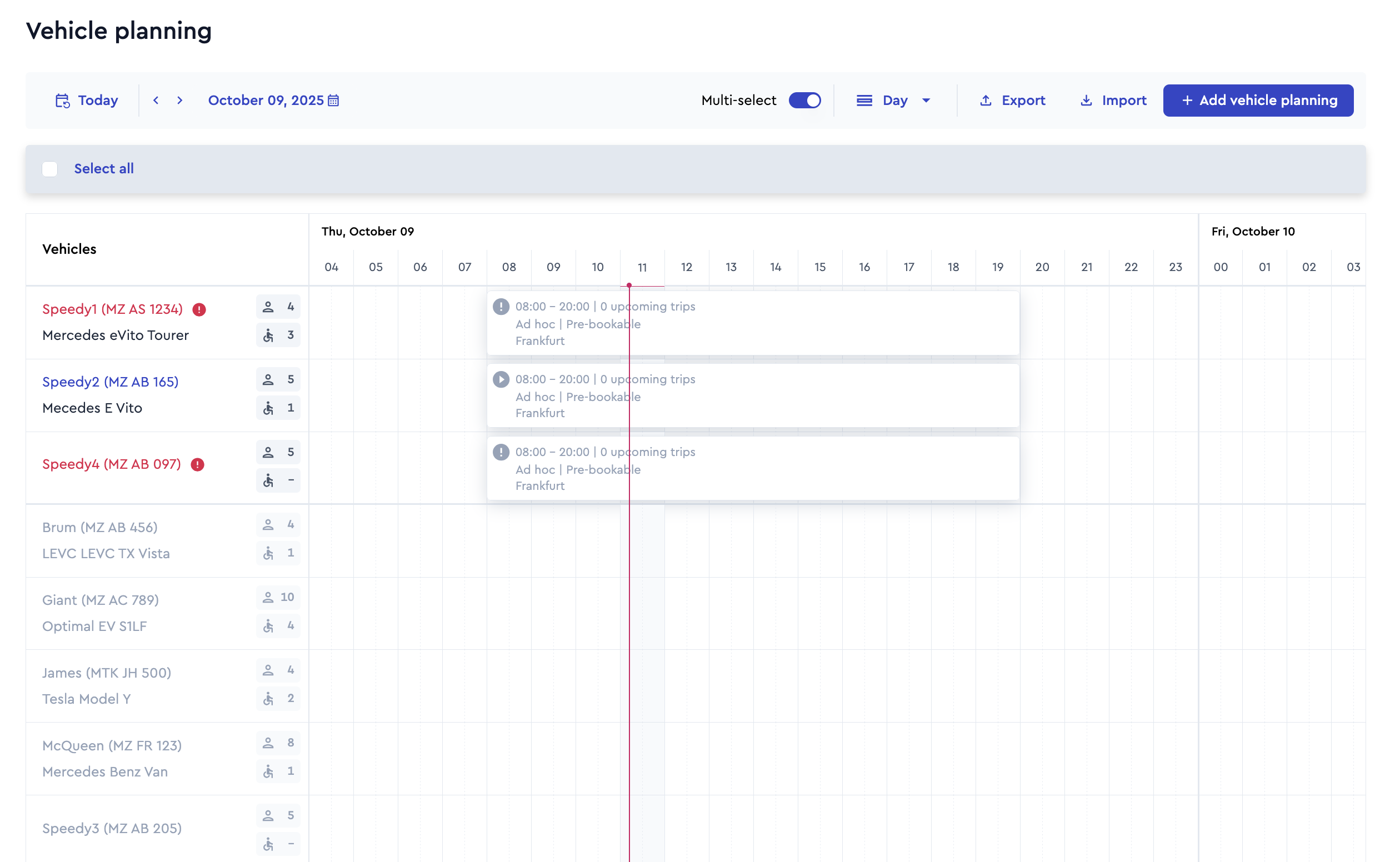
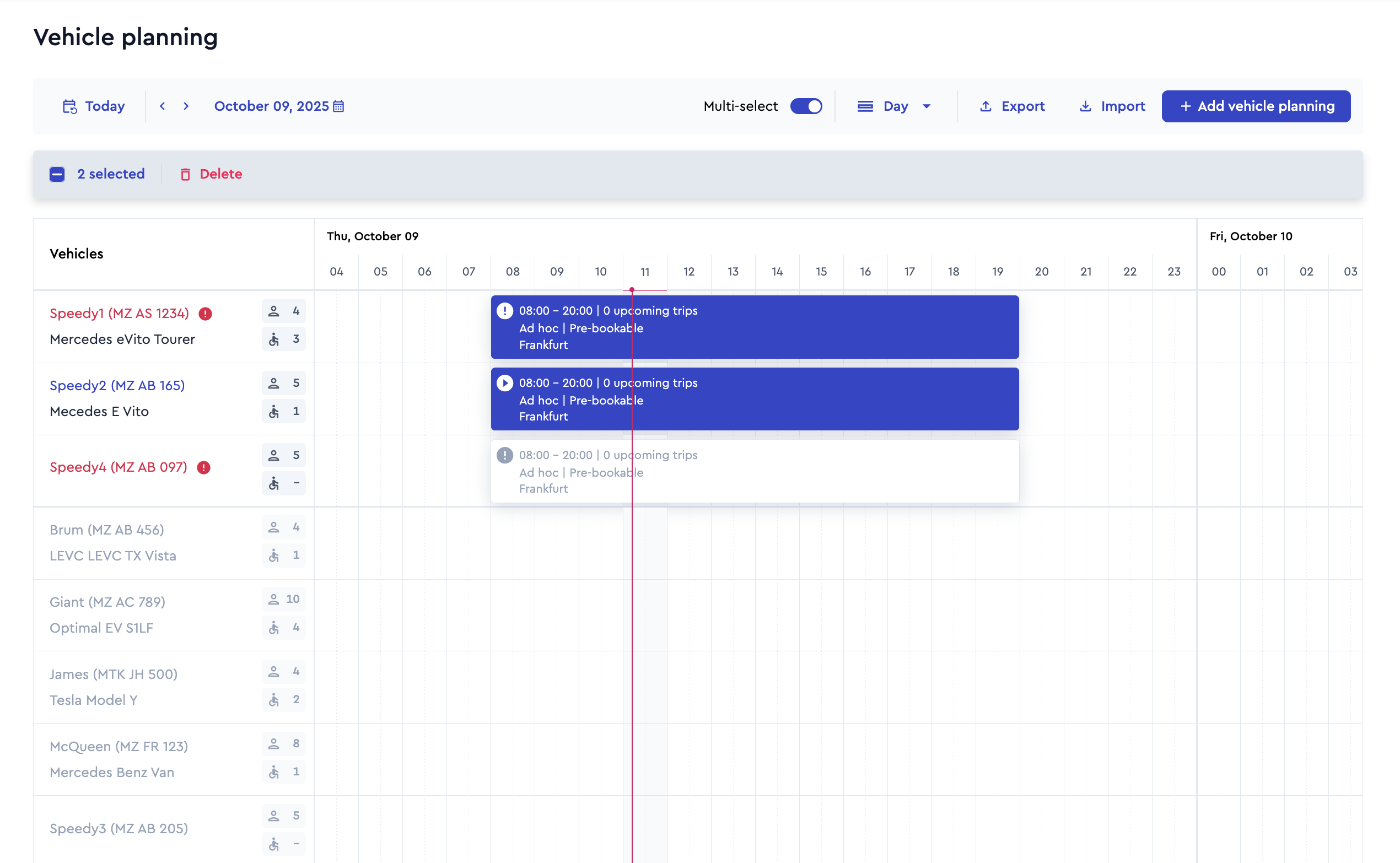
In the ioki Operator, dispatchers can now delete multiple vehicle plannings at once. This improvement allows for faster and more efficient data management when outdated or incorrect plannings need to be removed. Instead of deleting each entry individually, users can now select multiple plannings simultaneously and delete them in a single step.
Multi-selection is available directly within the vehicle planning list. Once at least one planning is selected, a Delete button becomes visible. Dispatchers can either select individual plannings manually or use the Select all option to mark all entries at once. The total number of selected plannings is displayed for clarity.
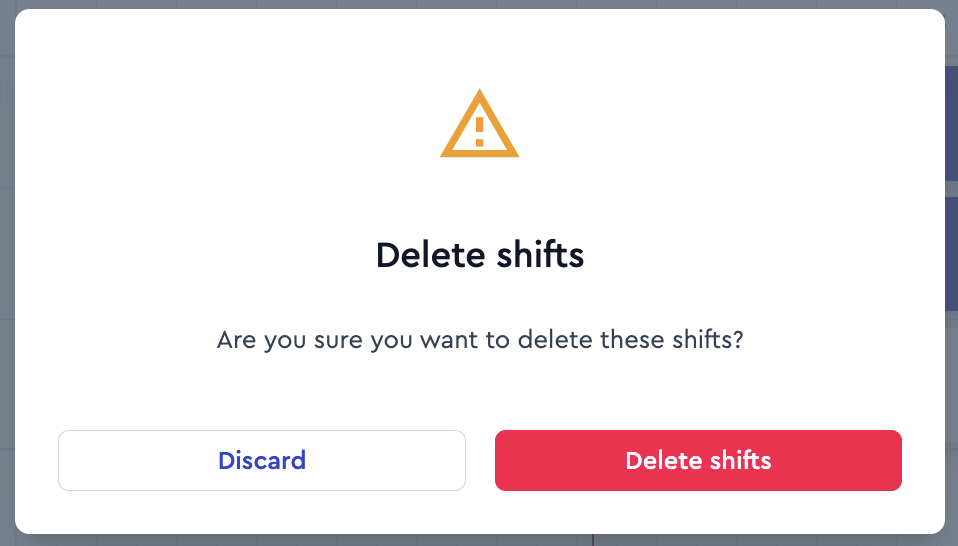
Before the deletion is carried out, a confirmation dialog appears to ensure that no data is removed unintentionally. After successful deletion, a confirmation message is shown. If one or more selected plannings cannot be deleted an error message informs the user accordingly.
Lead time configuration
With this release, ioki introduces an extended configuration option for advance bookings. The new Lead Time feature allows operators to precisely control the required advance notice for bookings and adapt it to operational requirements. Lead times can be configured per shift, reflecting the individual readiness and planning situation of the operation. This is particularly relevant for operators working with external partners or subcontractors, as it provides sufficient time to organize vehicles or inform third parties about upcoming trips.
Example rules: A vehicle on shift A must be booked at least 90 minutes before departure. A vehicle on shift B must be booked no later than 22:00 on the previous day.
Special rules are also possible, for example requiring groups of five or more passengers to book at least two working days in advance.
If you have any questions or require further information, please contact your Account Manager.
ioki Passenger App
Transparent price display for bookings with discounts
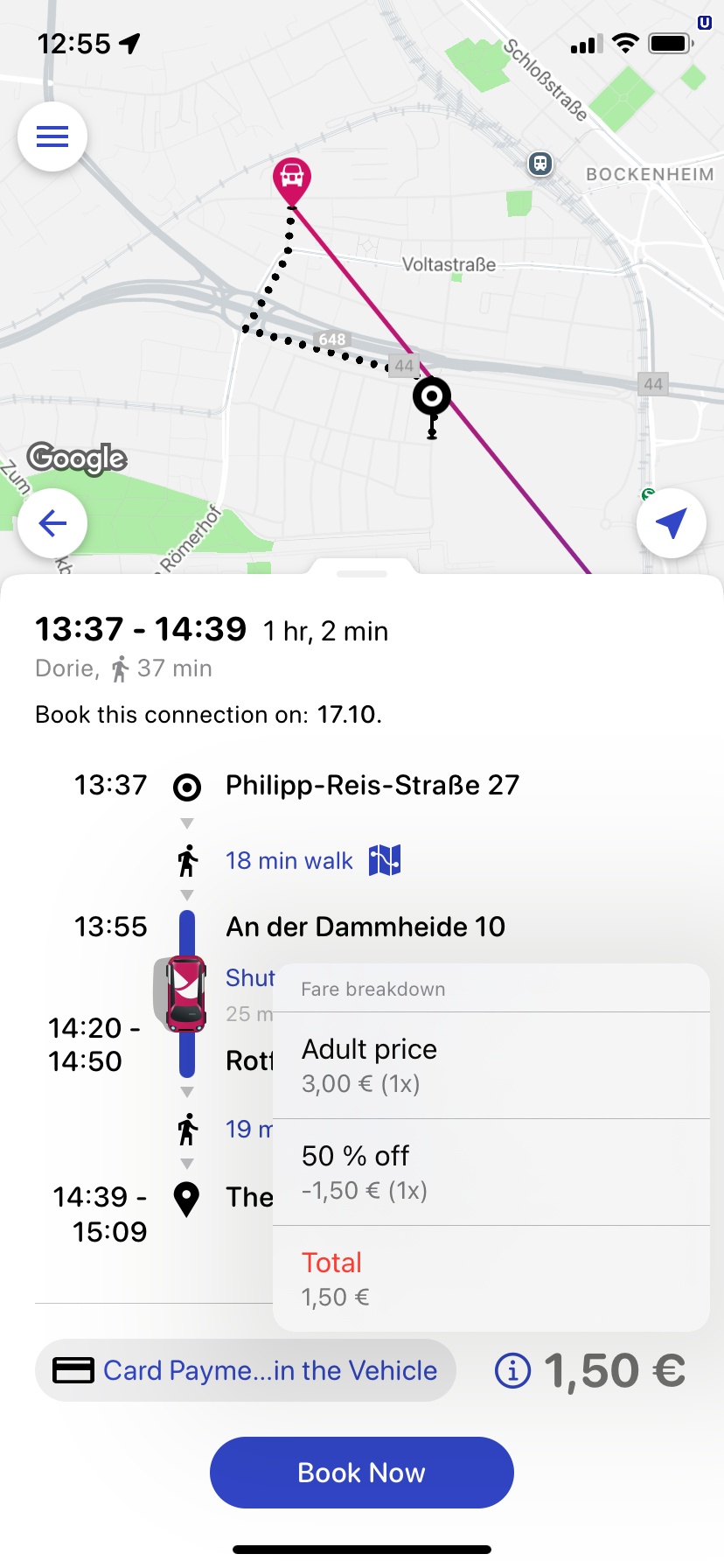
Passengers can now clearly see how the final price of their booking is composed – especially when discounts such as vouchers or personal reductions are applied.
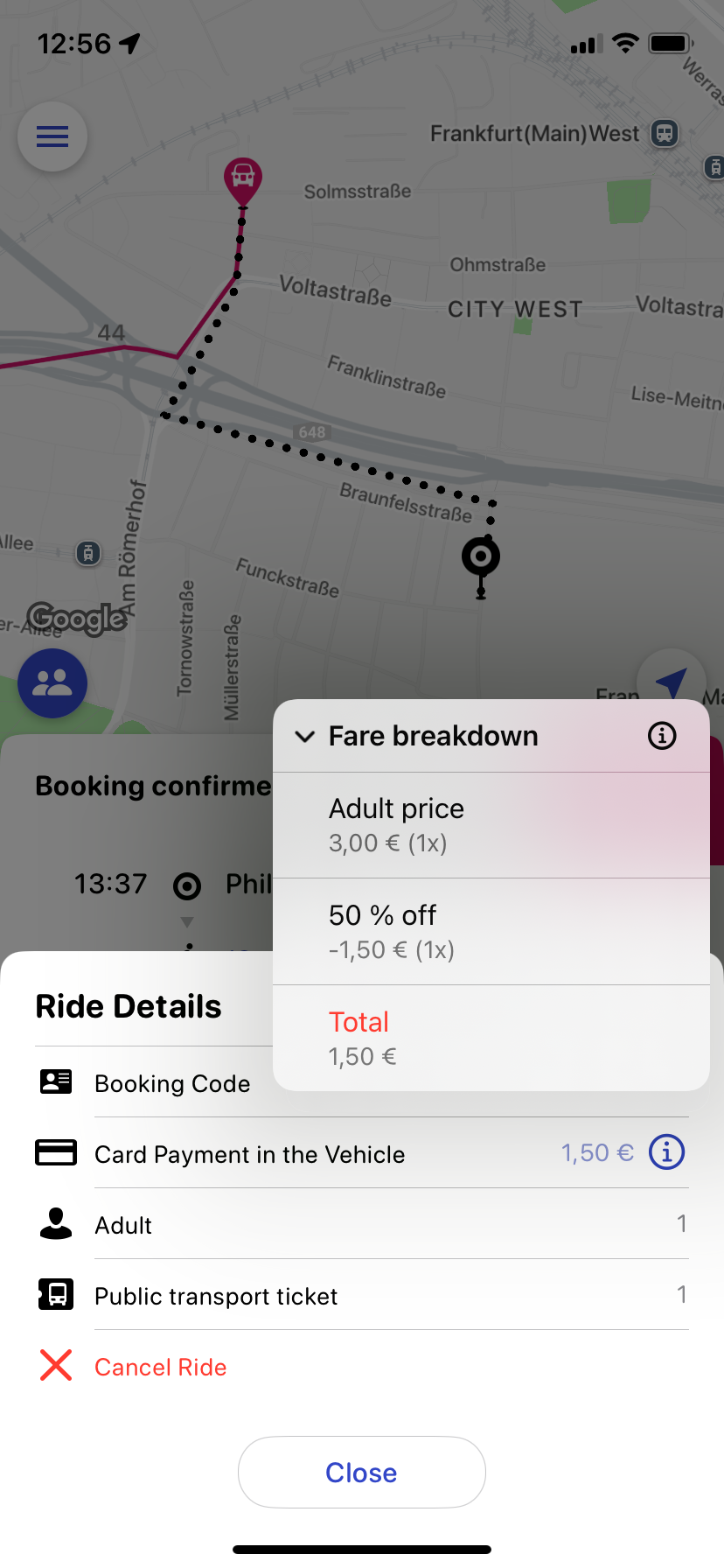
During the booking process, both in the offer and booking views, the original price, the discount amount, and the final price are displayed transparently and easy to understand. In addition, the type of discount – for example, a promo code or a personal discount – is shown to ensure full transparency. By tapping the small information icon next to the price, users can open a detailed view showing all price components.
The applied discount is also displayed transparently on the ride receipt, allowing passengers to always keep track of their pricing and maintain a clear overview of all cost details.
ioki Vehicle App
Drop support for iOS 16
With Version 3.5.0 we will drop iOS 16 support. iOS 16 was originally released in 2022 and is nowadays outdated as technical implementations and security aspects getting slowed down. These are the reasons to no longer support this OS version. Latest iOS version 26 was announced for late 2025 by Apple. Current devices are running iOS 18.6.
ioki Reporting
Receivables and payables history
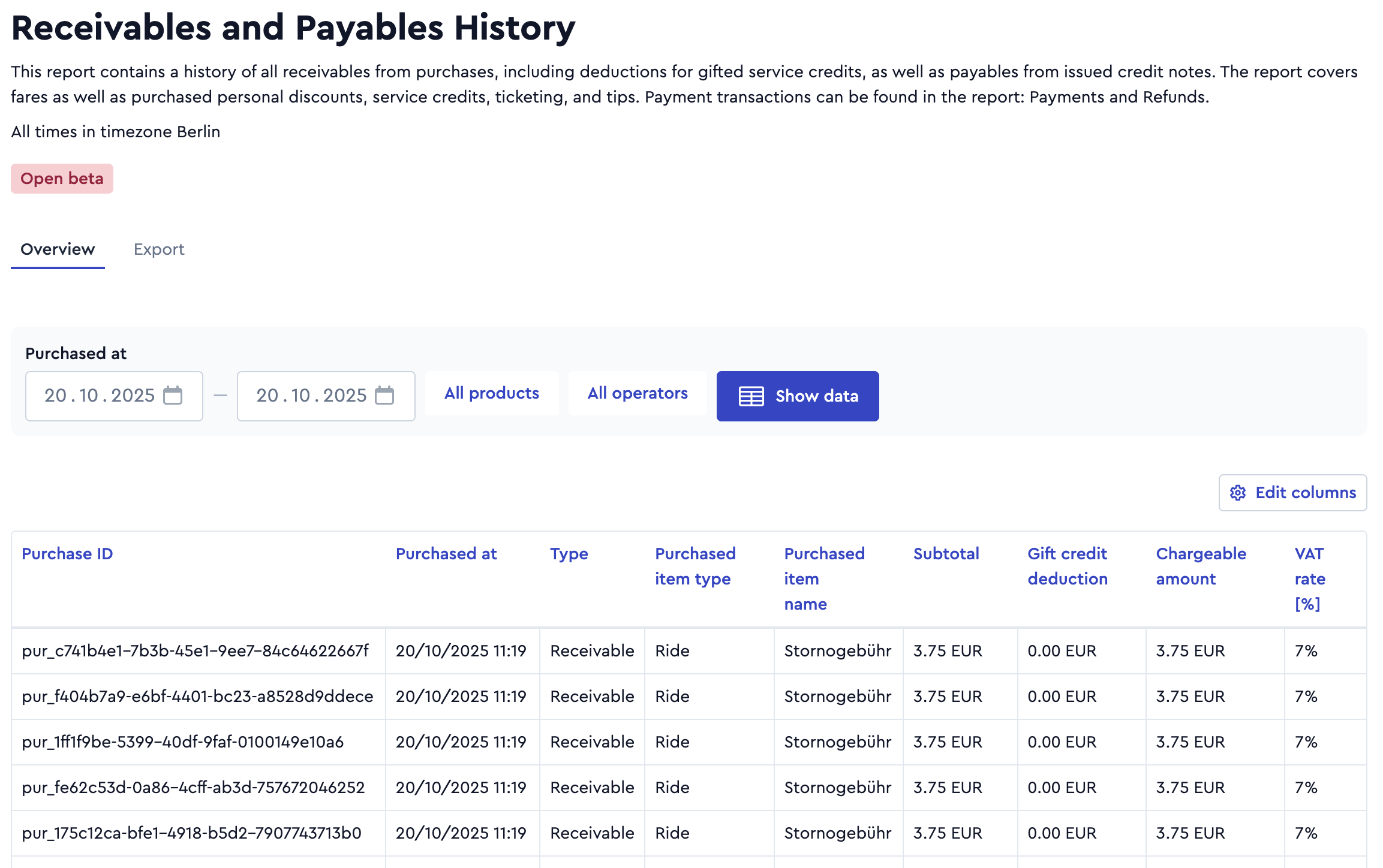
The Receivables and Payables History report provides a complete overview of all sales and issued credit notes processed via the ioki Platform. In addition to ride fares, cancellation fees, and tips – which continue to be detailed in their dedicated reports – you now also gain transparency over sold passes, service credits, and public transport tickets.
For receivables, the report also displays the deduction of gifted credits. If you have marked a receivable as unretrievable, the report includes the corresponding reversal entry.
The corresponding payment transactions can be found in the Payments and Refunds report, which always assigns each payment to a specific receivable or payable.
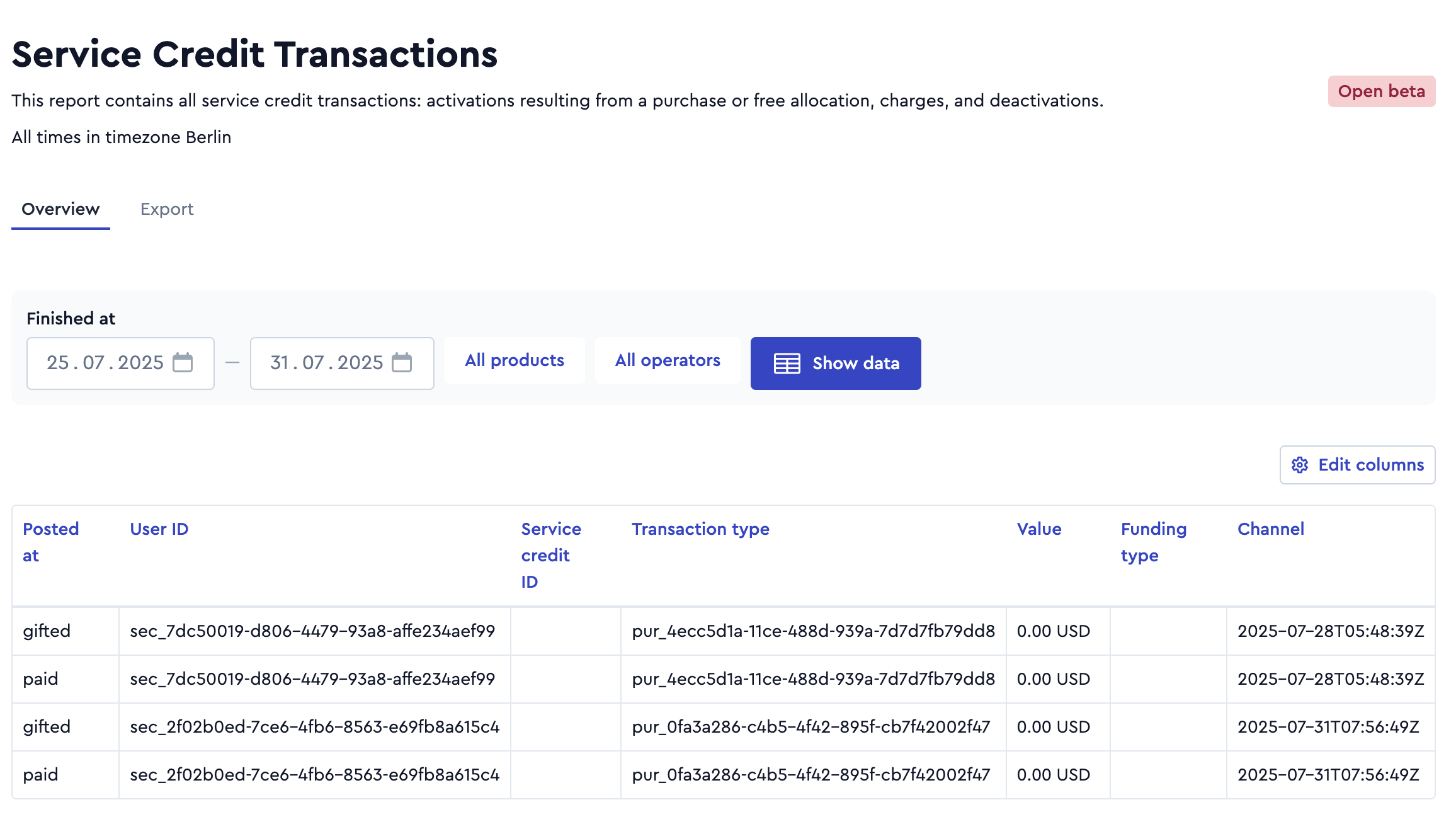
Service credit transactions
The report Service Credit Transactions provides a complete overview of all changes to your users’ service credit balances. It includes top-ups made through purchases or gifted credits, payments made from the credit balance, as well as deactivations of remaining credit – with or without refunds.
A clear distinction between paid and gifted credits, along with precise references to the corresponding purchase, credit note, and payment transactions, supports accurate accounting.
For manual actions – such as goodwill credit allocations or credit deactivations – the report lists the responsible admin and stated reason, ensuring full traceability of all transactions.
Further improvements
In the Payments and Refunds report, the purchased item name has been added. This allows you to better distinguish between different types of payments – for example, ride fares, cancellation fees, or various types of purchased passes or service credit packages.
The Driver Settlement report now also supports segmentation by product, operator, and matching configuration – similar to the more comprehensive, provider-wide Payments and Refunds report. This allows operators with restricted data access to analyze and differentiate payments by product, matching configuration and the corresponding service area.
In the Passengers report, all historical data starting from 2024 has been added. The Ride and Passenger Options report, as previously announced, will no longer be updated as of September 1, 2025, but will remain accessible until January 2026.
The Completed Rides report now includes the station IDs for pickup and drop-off locations, as previously announced, starting from September 1. This allows you to link ride data directly with the corresponding station information.
In many cases, we can now enrich the start, pickup, drop-off, and destination locations with street names and street numbers —even when no explicit address was requested. This makes the location details more human-readable and easier to interpret. This improvement applies to the Ride Requests and Booking Result, Completed Rides, and Passengers reports for all data from August 7, 2025 onward.
- A new label now clearly shows which timestamp is used when loading and exporting a report.
- The filters for product and operator now also support selecting empty fields.
- Export performance has been significantly improved.
- The order in the side navigation has been adjusted to match the chronological flow of the reports, making navigation more intuitive.
- Numeric values are now aligned consistently and clearly under their column headers for better readability.
- Tooltips are now displayed when hovering over a column header with the mouse.