September 2025
ioki Operator
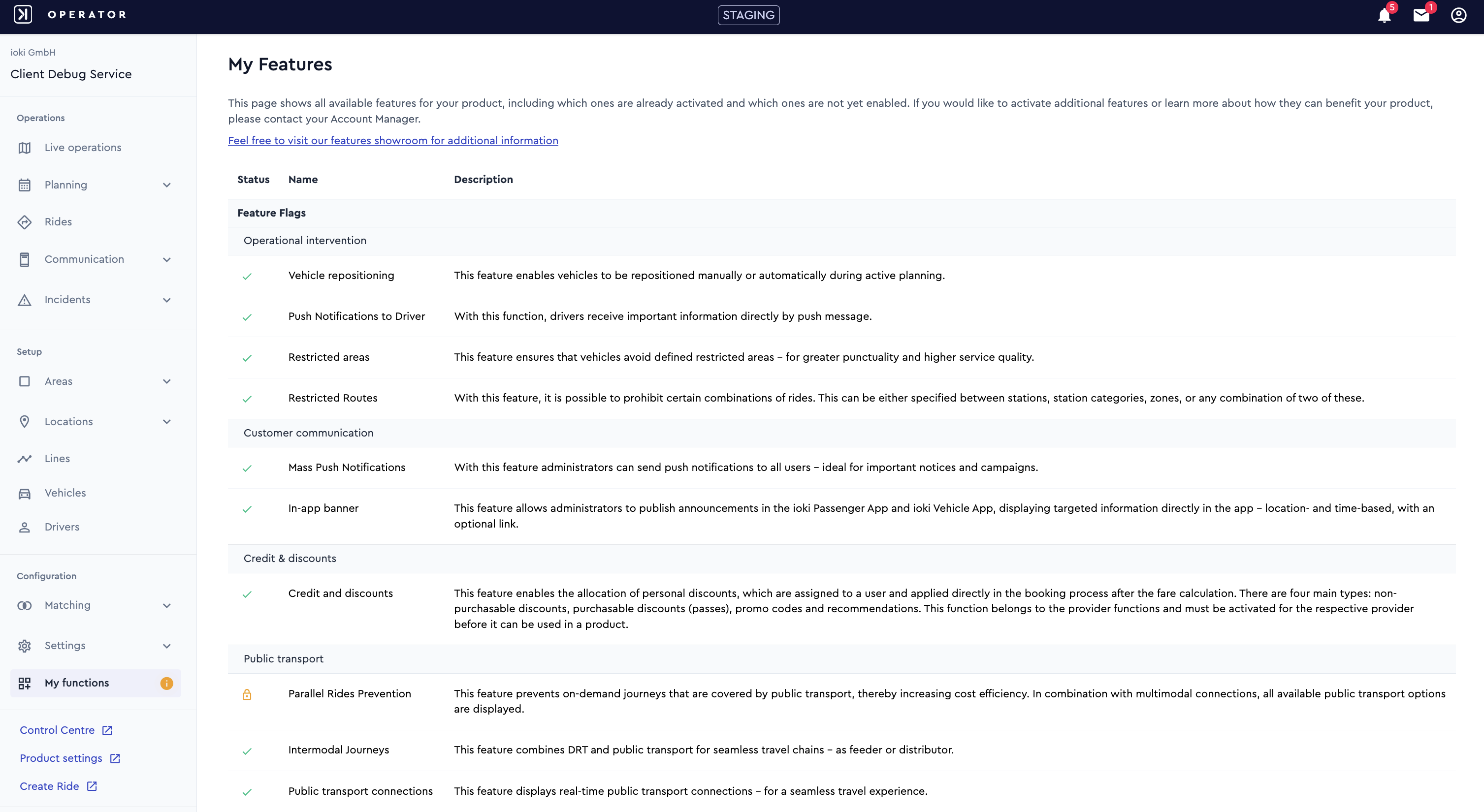
New overview: my features
From next week on the ioki Operator will include a new My Features overview. This allows you to see at a glance which features are available and which are already activated in your product. This gives you a clear overview of all possibilities and helps you make informed decisions about enabling additional features.
Restricted areas
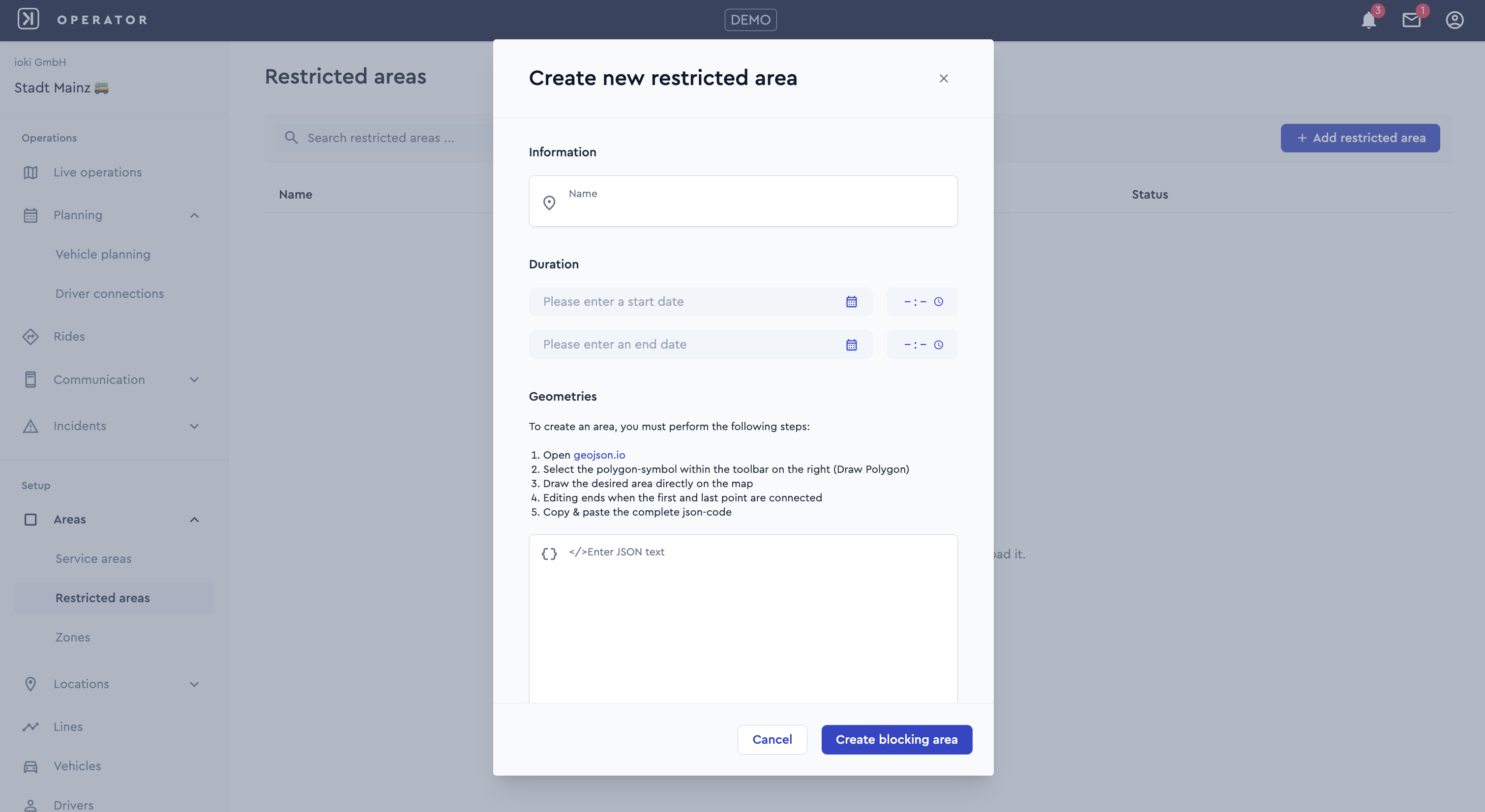
The Restricted Areas feature is now also available in the ioki Operator. It enables you to define and manage regions that vehicles are not permitted to enter or pass through. The system automatically adjusts routing accordingly and can also take temporary restrictions into account. Typical use cases include blocking motorway entrances for unsuitable vehicles (e.g. tuk-tuks) or temporarily restricting streets or locations during events such as parades.
Manual repositioning
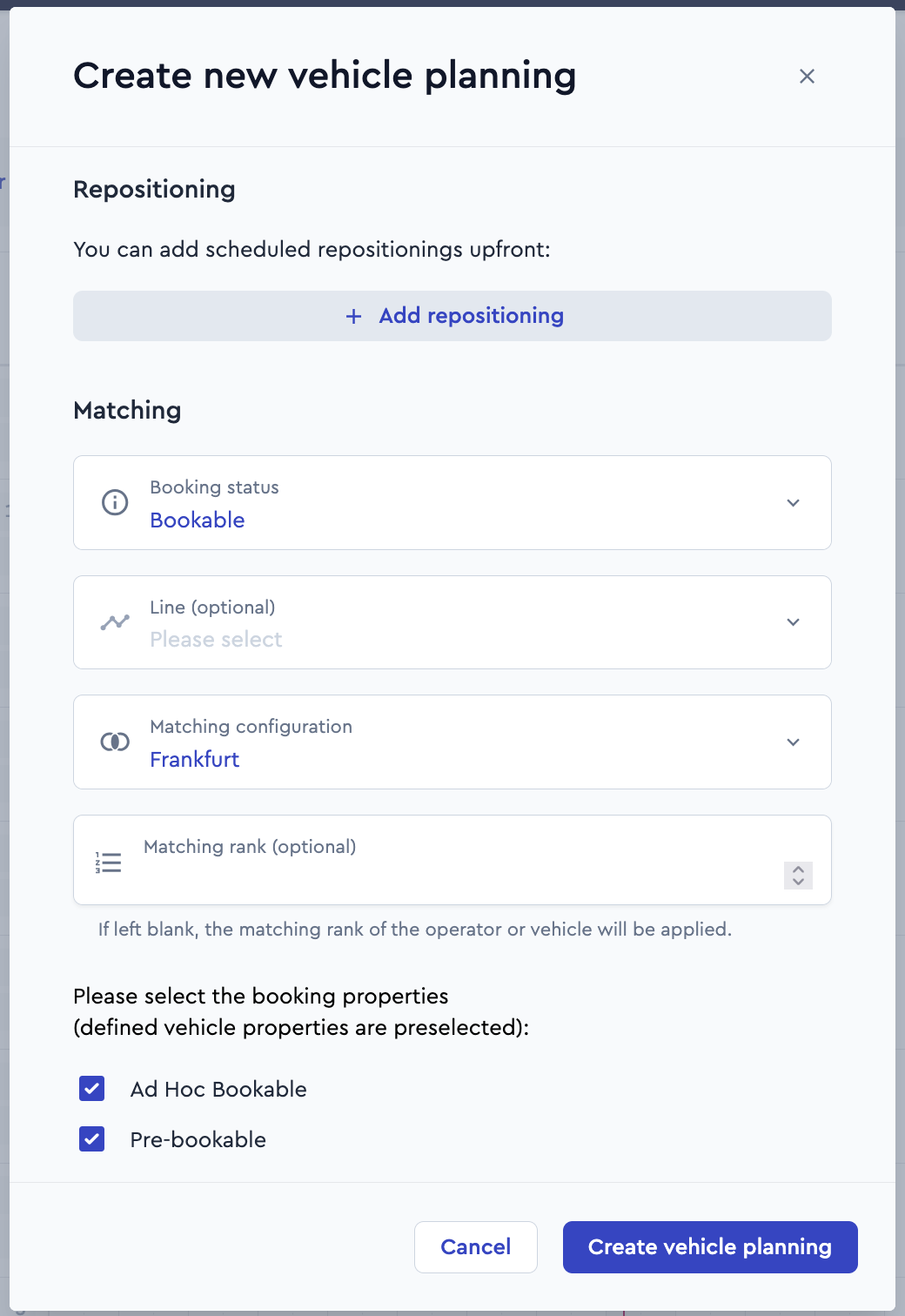
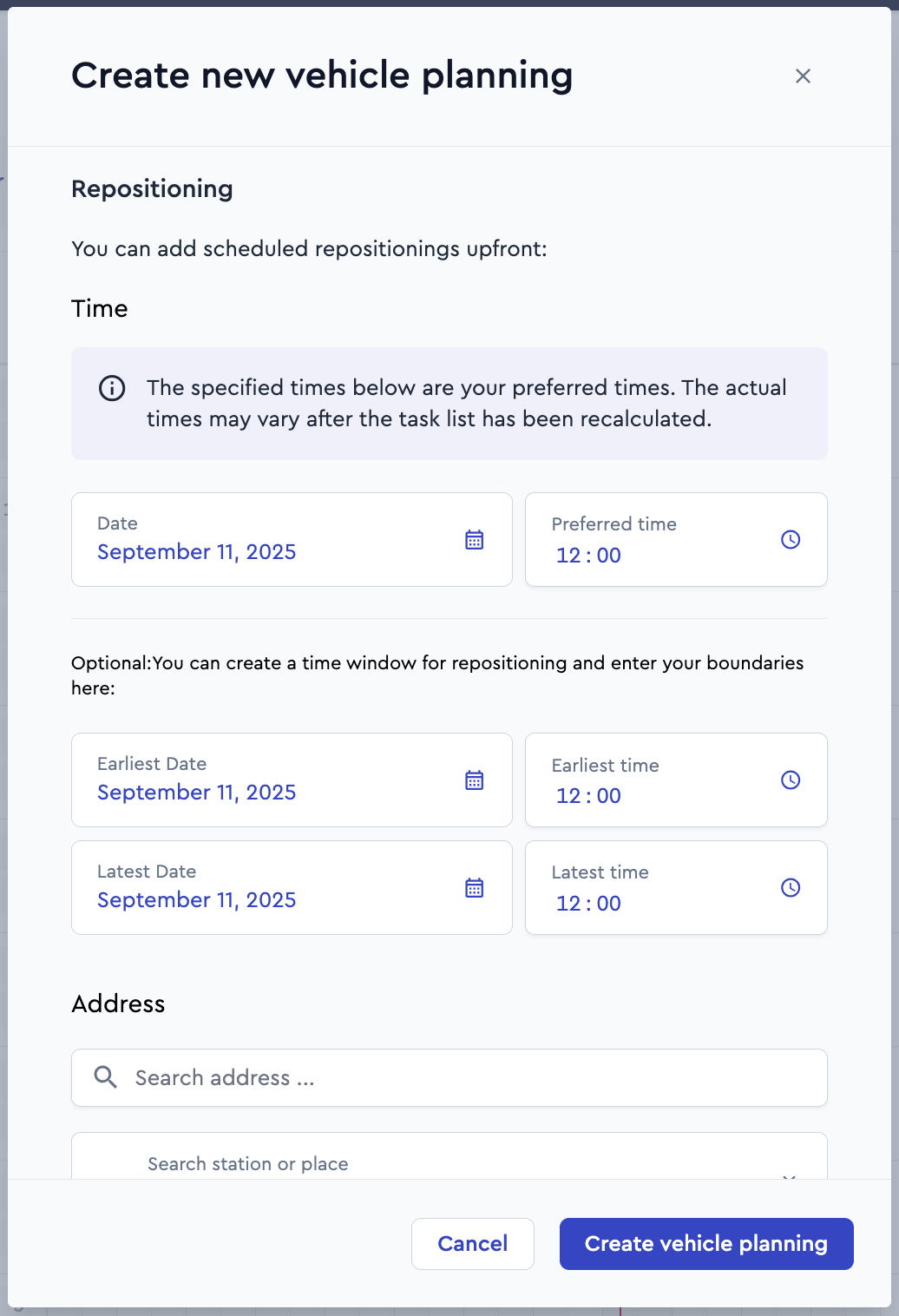
The new Manual Repositioning Tasks feature is now available in the ioki Operator. It enables you to strategically position vehicles in areas where high demand is expected – for example, following the arrival of specific trains or at major events. This ensures more efficient service and improves vehicle utilization.
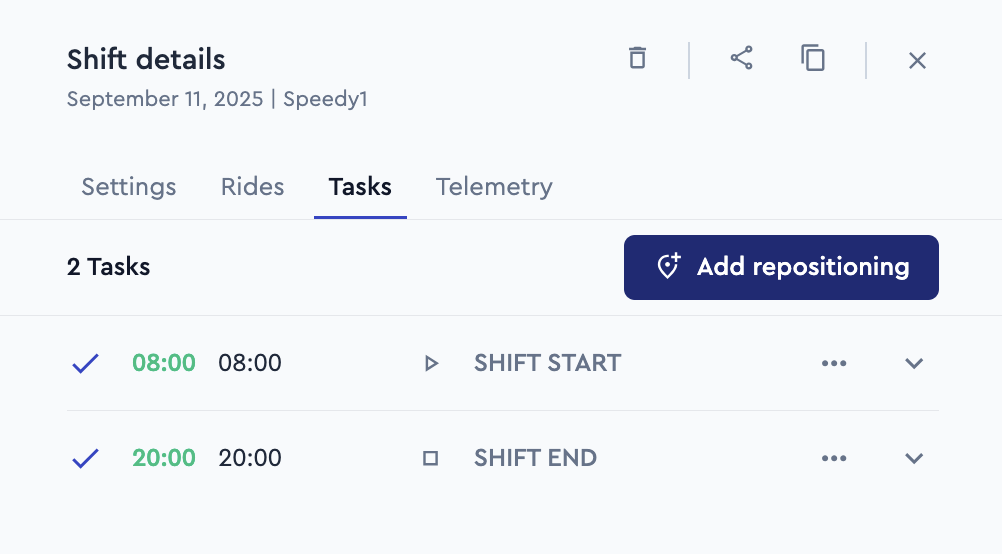
Manual Repositioning tasks can be created directly during vehicle planning or added to existing vehicle schedules via the Add repositioning task button. This helps to maximize fleet efficiency and further enhance service quality.
Central management of security and legal information in the ioki Operator
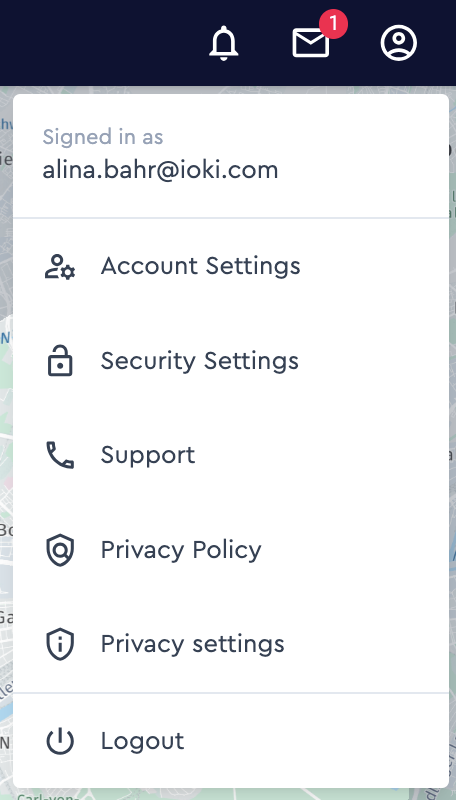
Administrators can now manage security settings directly within the ioki Operator. In addition, all key legal links are available in a single central location, making administration simpler and more transparent.
ioki Operator notifications for important updates
Users will now receive important information directly via ioki Operator notifications. These notifications are prominently displayed and highlight new release notes, relevant updates, or other key messages. Users are directed straight to the relevant content, ensuring they remain informed and can respond promptly to important changes.
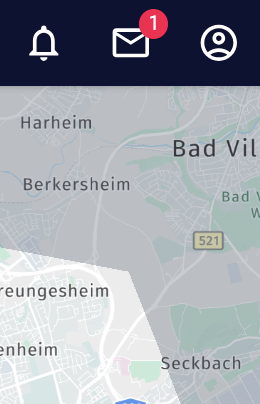
Image upload for vehicles and stations
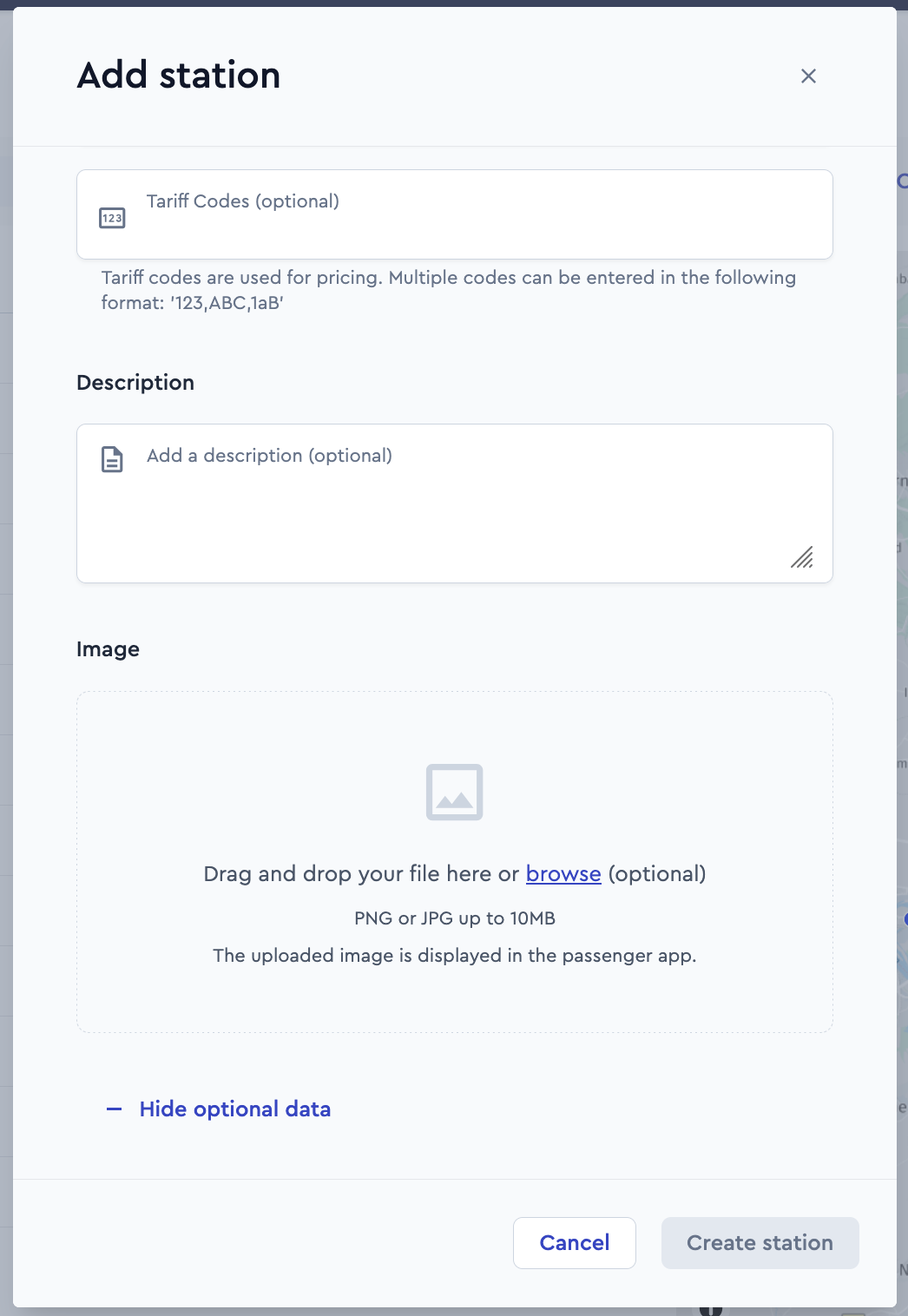
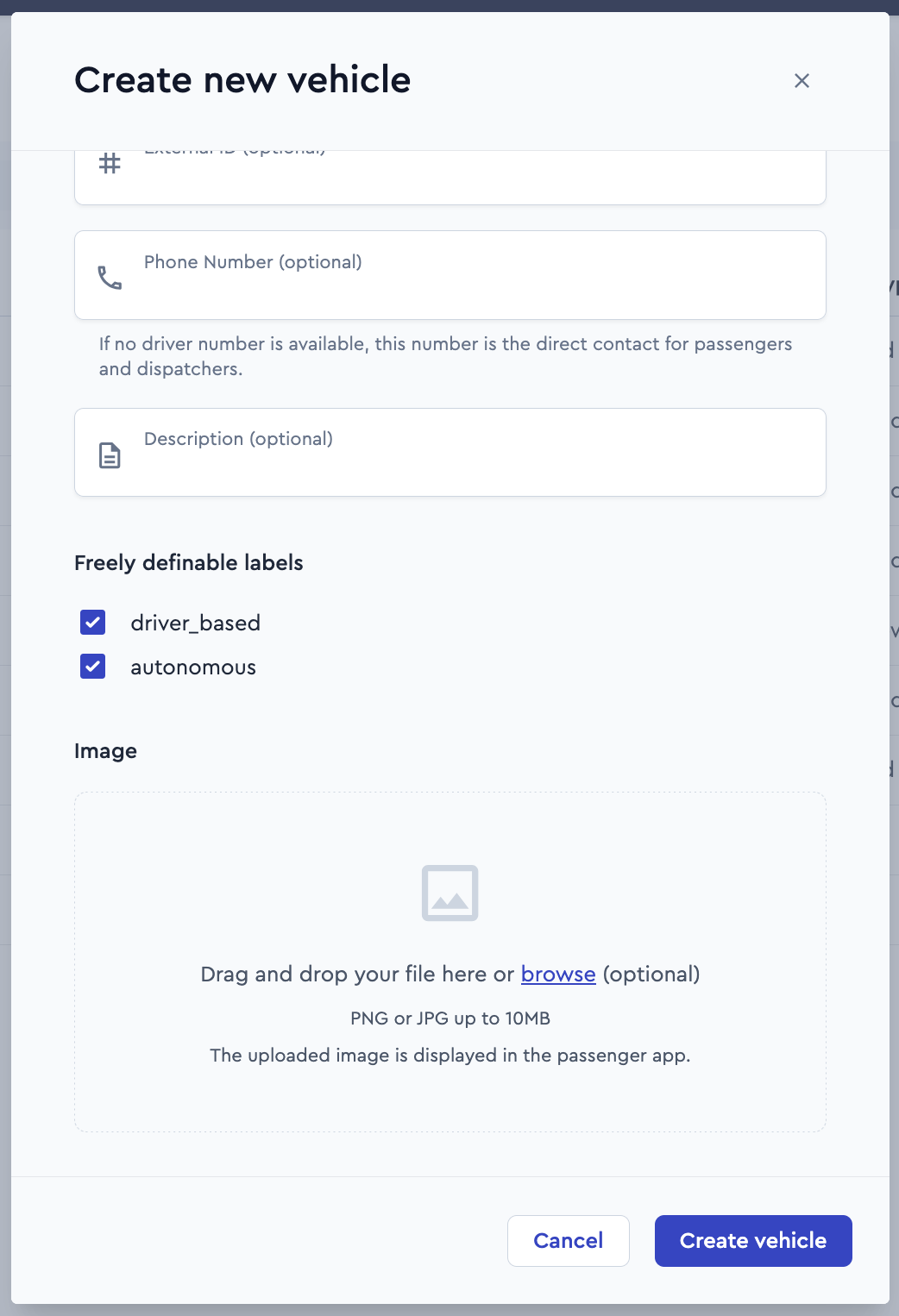
With this release, image upload functionality has been introduced – completing the migration of the vehicles and stations pages into the ioki Operator.
Operators can now upload an image (PNG or JPG, max. 10 MB) when adding a vehicle or station. The image will be displayed in the passenger app, helping passengers to recognize vehicles and stations more easily.
Uploads can be carried out directly in the relevant form field – either via drag and drop or by selecting a file using the Browse button.
ioki Vehicle App
New minimum version 3.2.0
Version 3.2.0 will be the new minimum version on September 22, 2025. This version or later must be installed by this date. Depending on the device settings, you will be automatically notified of updates. Alternatively, the latest version 3.3.0 can also be already downloaded from these links: Android:https://play.google.com/store/apps/details?id=com.ioki.driver.android iOS:https://apps.apple.com/us/app/ioki-vehicle-app/id1550081112
ioki Reporting
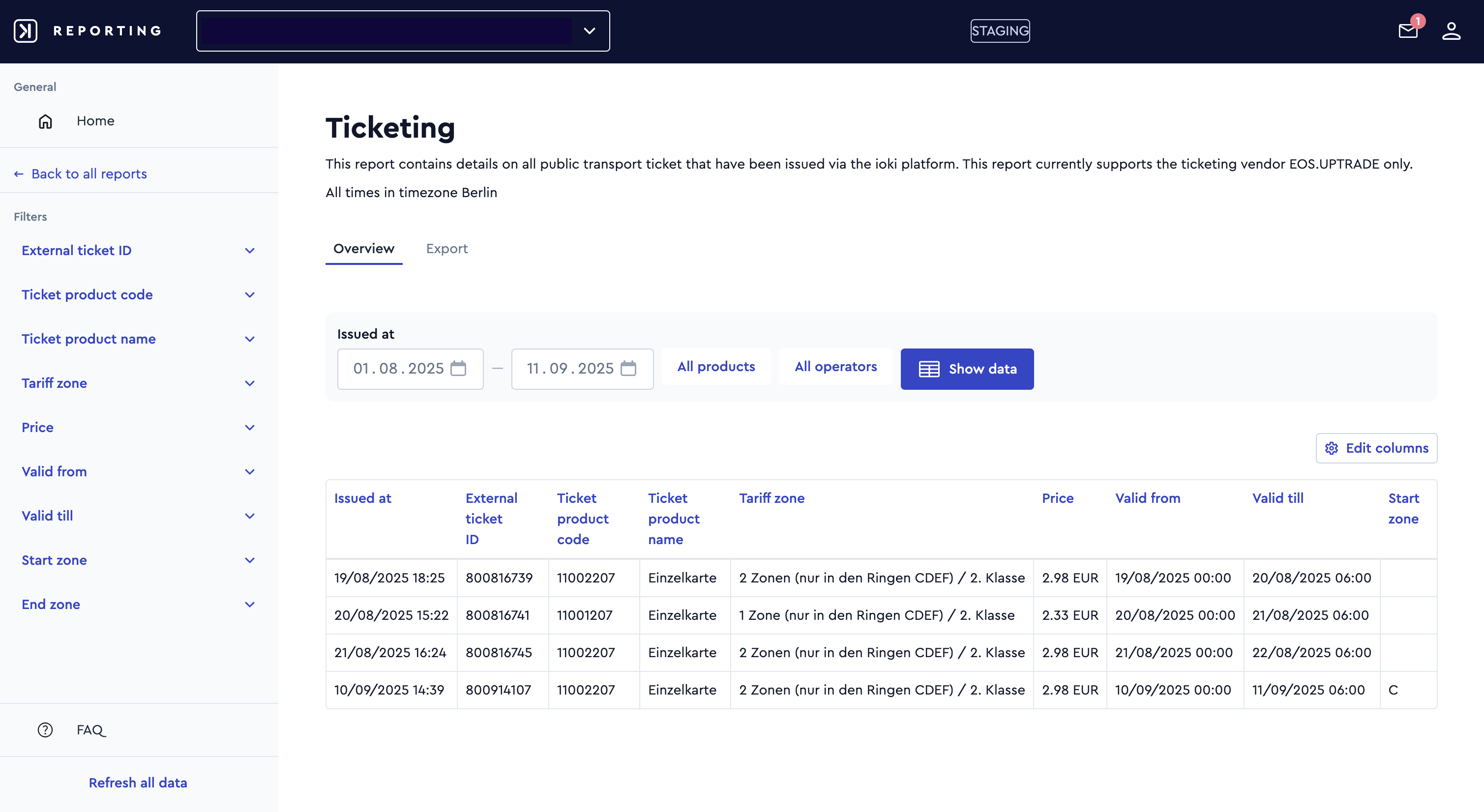
Ticketing report
A new report is now available for all providers using ticketing via the vendor eosUptrade. The report provides detailed information on issued tickets, including the issue date, internal and external ticket IDs, the associated user ID, and, where available, a reference to a ride ID. It also contains product information (product code and name), fare zones, price, validity periods, as well as the start and end zones of a ticket. This offers a comprehensive basis for report preparation, monitoring, and coordination processes.
Other optimizations
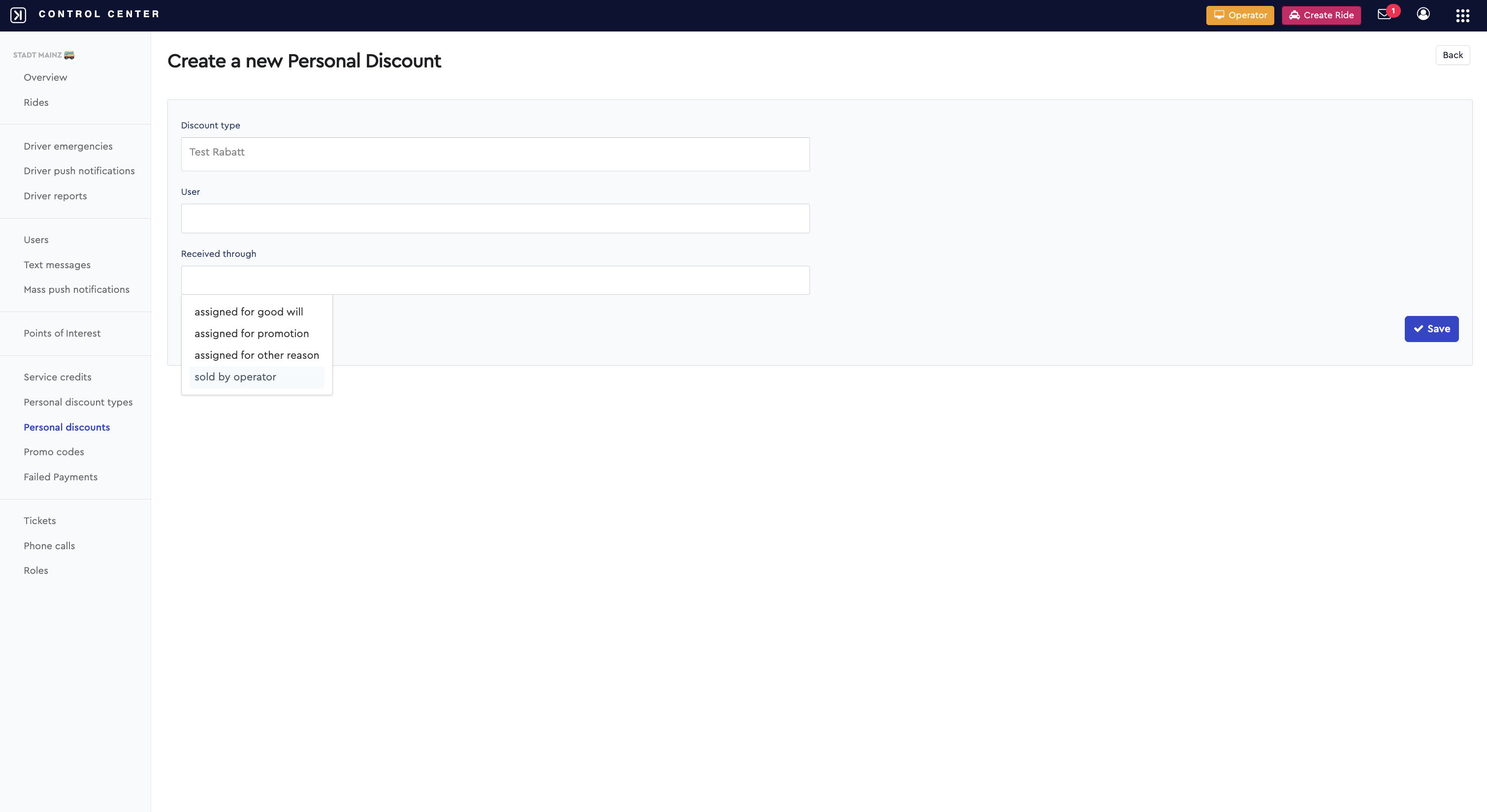
Improved traceability of personal discounts
When granting personal discounts, administrators must now record not only the type of discount and the user but also the reason for granting it. This ensures improved record-keeping and traceability in the discount process. Provider accountants can also view the purchase and payment status of a discount at any time. This ensures that credits are posted correctly and that the accounts department has access to a transparent overview.