July 2025
ioki Operator
Custom flags for vehicles and stations
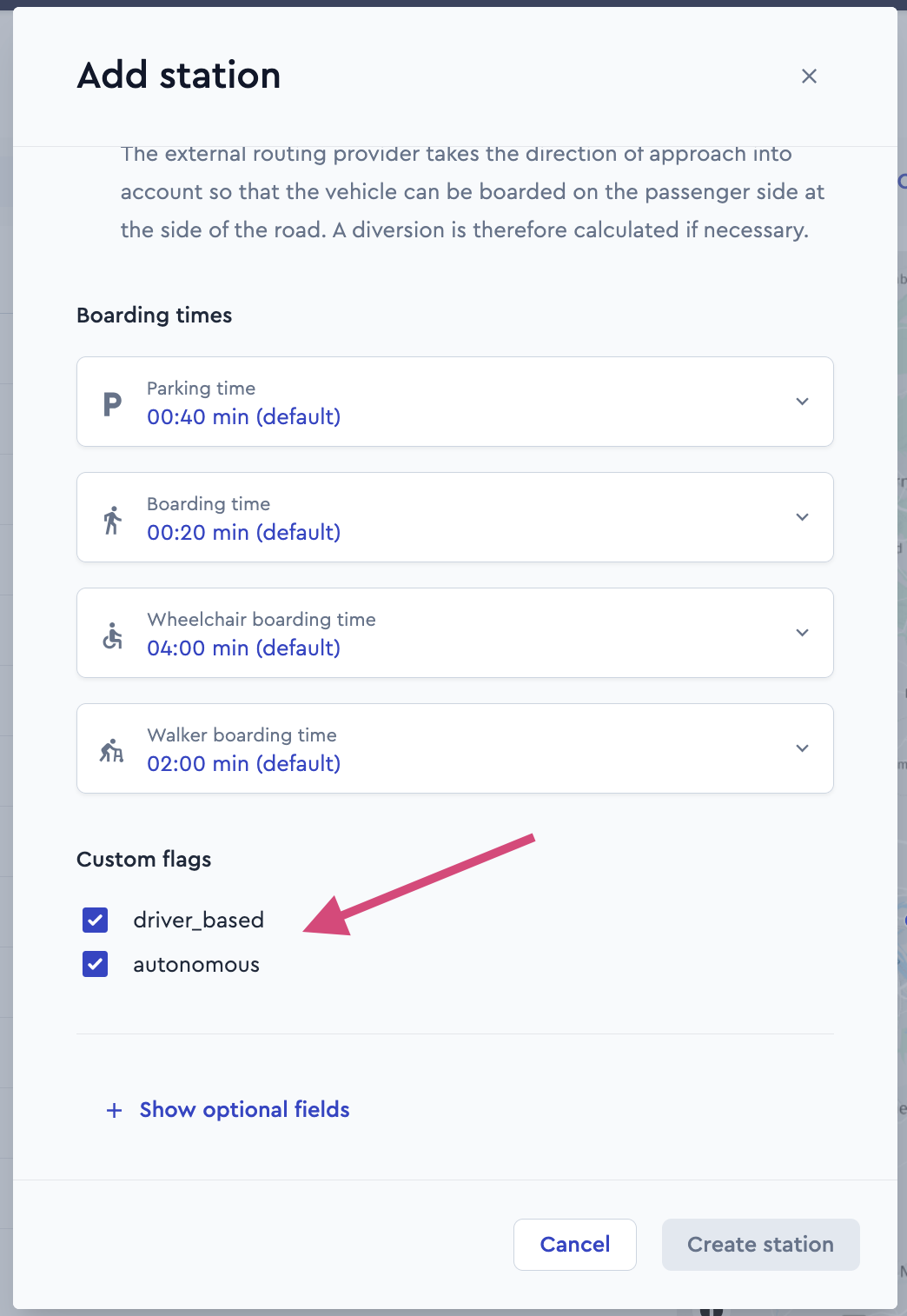
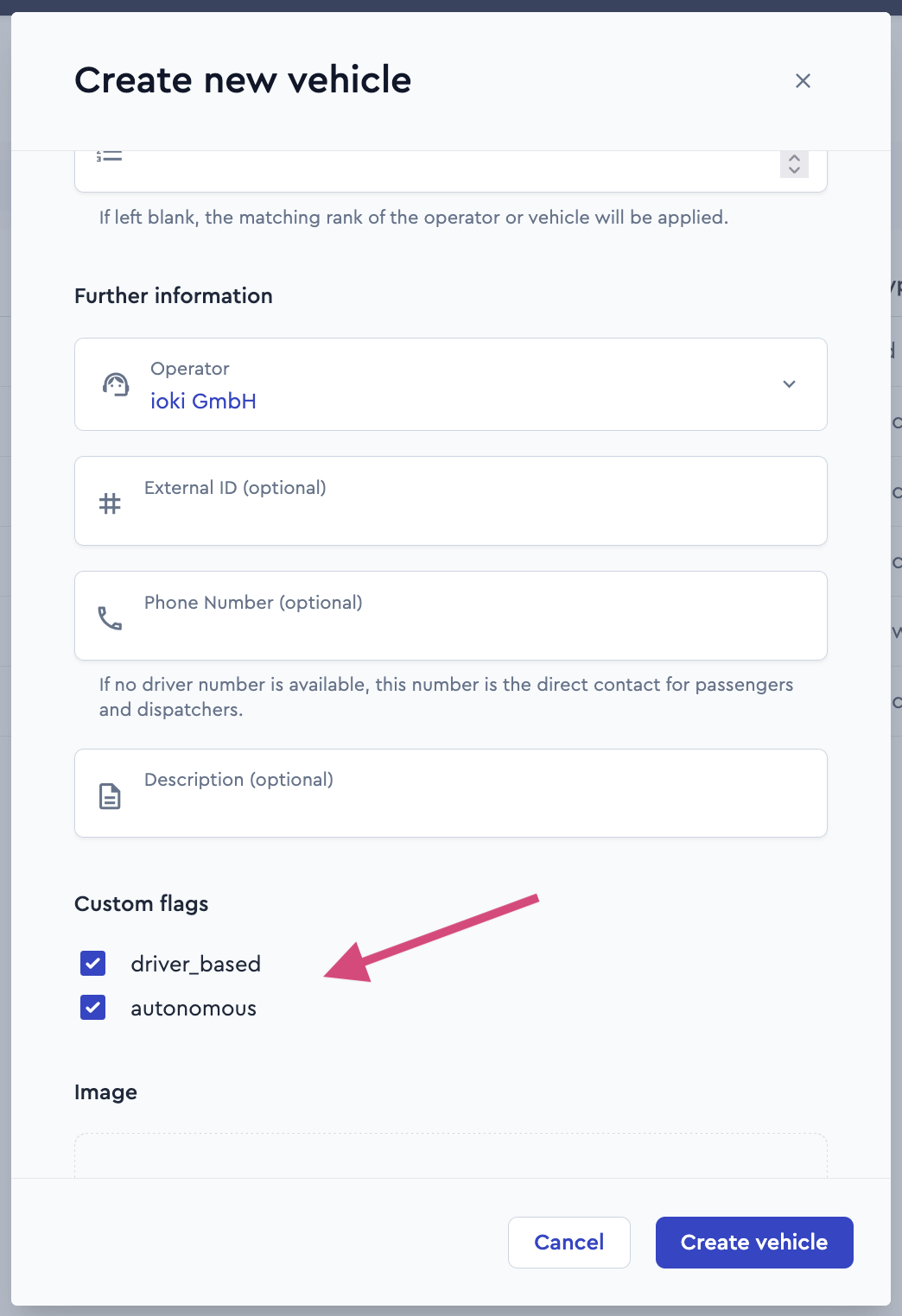
It is now possible to flexibly assign custom flags to vehicles and stations in the ioki Operator. When creating or editing a vehicle, one or more of these flags can be selected and assigned. Stations can likewise be enriched with additional information.
The basic idea behind these markers is that vehicles only serve stations that share at least one Custom Flag with them.
Assigned flags can be added and removed at any time and are clearly displayed on the detail pages of the respective vehicles and stations. Changes—such as renaming or deletion—can be made at any time and are automatically reflected in the user interface.
Precise definition of restricted areas using polygons
Users can now define restricted areas not only as rectangles but also as arbitrary polygons. These polygons are stored, visualized, and considered during route calculations.
This enables a much more accurate and realistic representation of complex scenarios such as construction sites, pedestrian zones, or temporary events.
Stations and places configuration: approach from a defined street side now possible
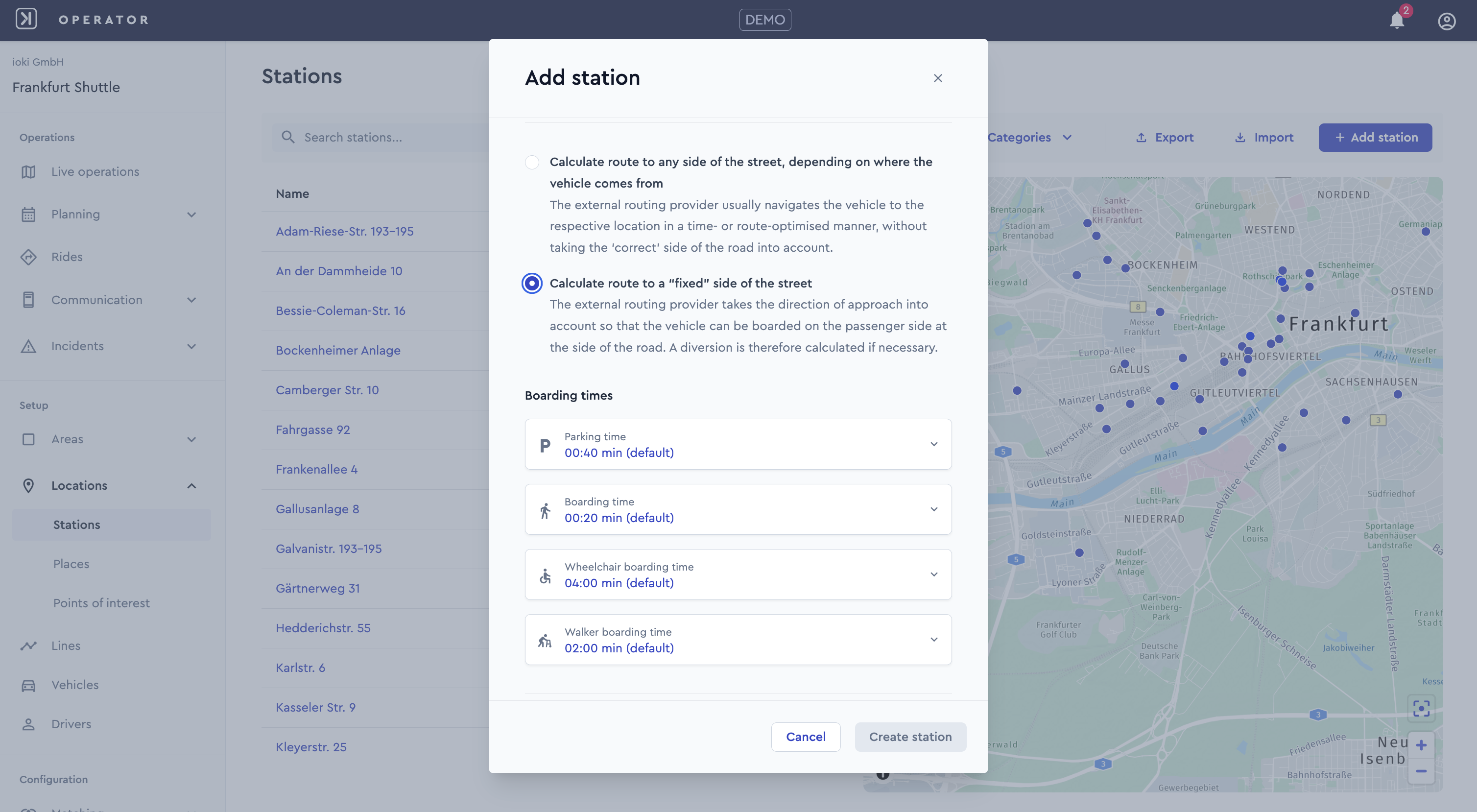
In the ioki Operator, stops can now be configured so that vehicles specifically stop on a certain side of the street—not just at the general geographic position of the destination. Our routing provider takes the approach direction into account to ensure that boarding can take place on the passenger side at the curb.
When creating or editing a stop or place, you can now specify whether the approach should be from any side (default) or a designated side of the street.
Approaching from a designated street side allows stops to be optimally adapted to local conditions and requirements such as accessibility or limited space. This improves safety and increases passenger comfort—while maintaining a simple and intuitive configuration within the ioki Operator.
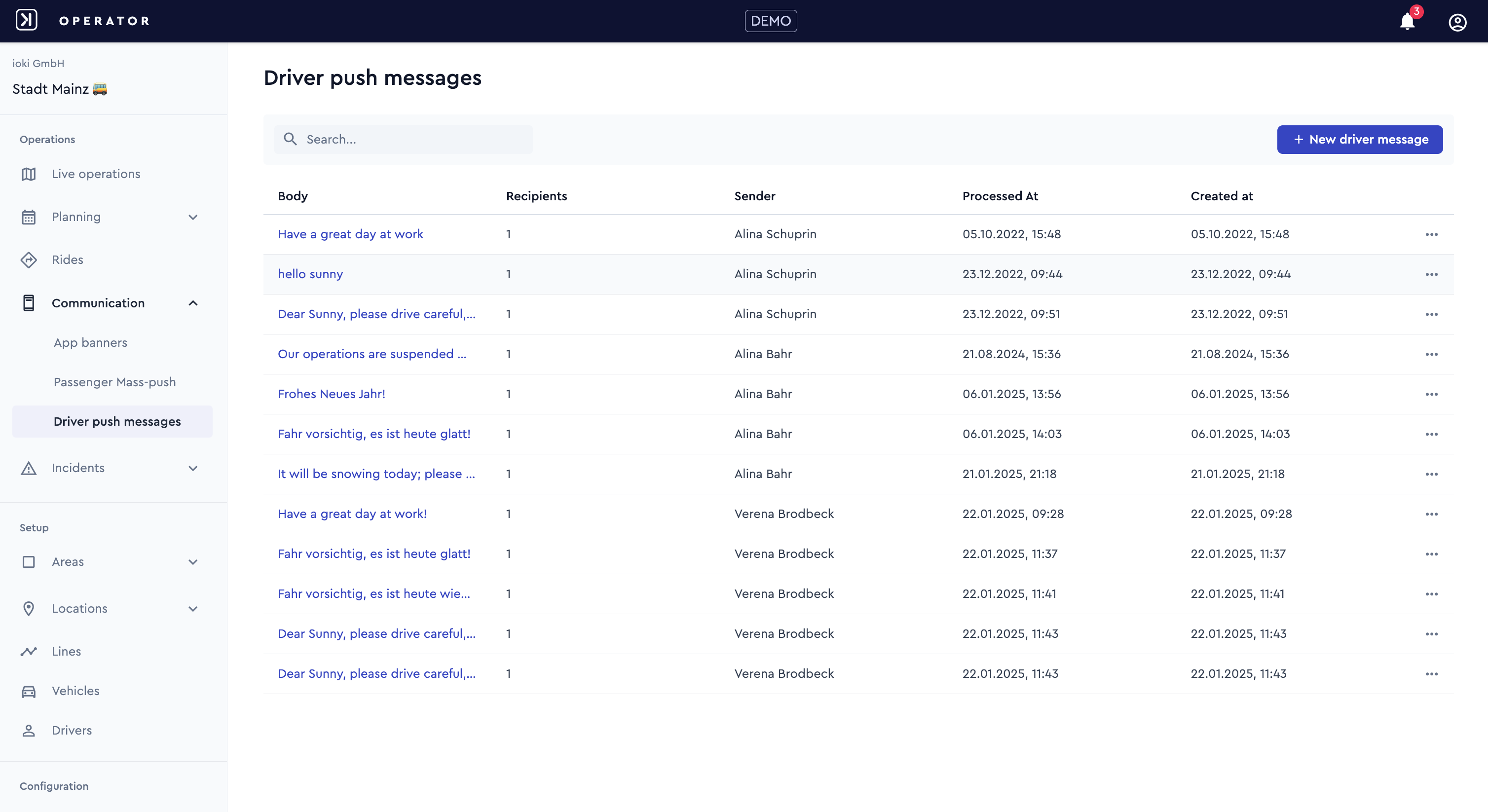
Driver push notifications
Operators can now send push notifications to individual drivers via the ioki Operator in order to inform them about urgent matters.
Examples include:
- Severe weather ahead – please return to the depot!
- Due to an ongoing police operation, access to the main tunnel is currently closed. Please use the bridge instead.
- Icy roads this morning – please drive carefully!
This feature enables quick and targeted communication to ensure safety and efficient operations.
ioki Passenger App
Double reminder notifications for passengers
Passengers will now receive two push notifications reminding them of upcoming rides:
- 24 hours before pickup
- 1 hour before pickup
Reminders are only sent for confirmed bookings. No reminders will be sent for canceled or past rides. Additionally, the 24-hour reminder will be skipped if it would occur less than 2 hours after the ride was booked, to avoid redundant notifications shortly after booking.
This ensures passengers are well-informed and have sufficient time to cancel if needed.
Flexible payment options for existing bookings
With this release, the payment flexibility for booked rides is significantly improved.
Passengers can now easily change the payment method for their booked ride under Ride Details in the app, as long as they have not yet been picked up.
Rides that were originally booked with cash or in-vehicle card payment no longer need to be canceled if the passenger doesn’t have cash or a payment card on hand, or if the card terminal in the vehicle is not working. In such cases, passengers can now switch to any available in-app payment method. Alternatively, the driver can change the payment method to another available in-vehicle option if needed.
These improvements enhance flexibility in the payment process and help to avoid cancellations during day-to-day operations.
Purchase history
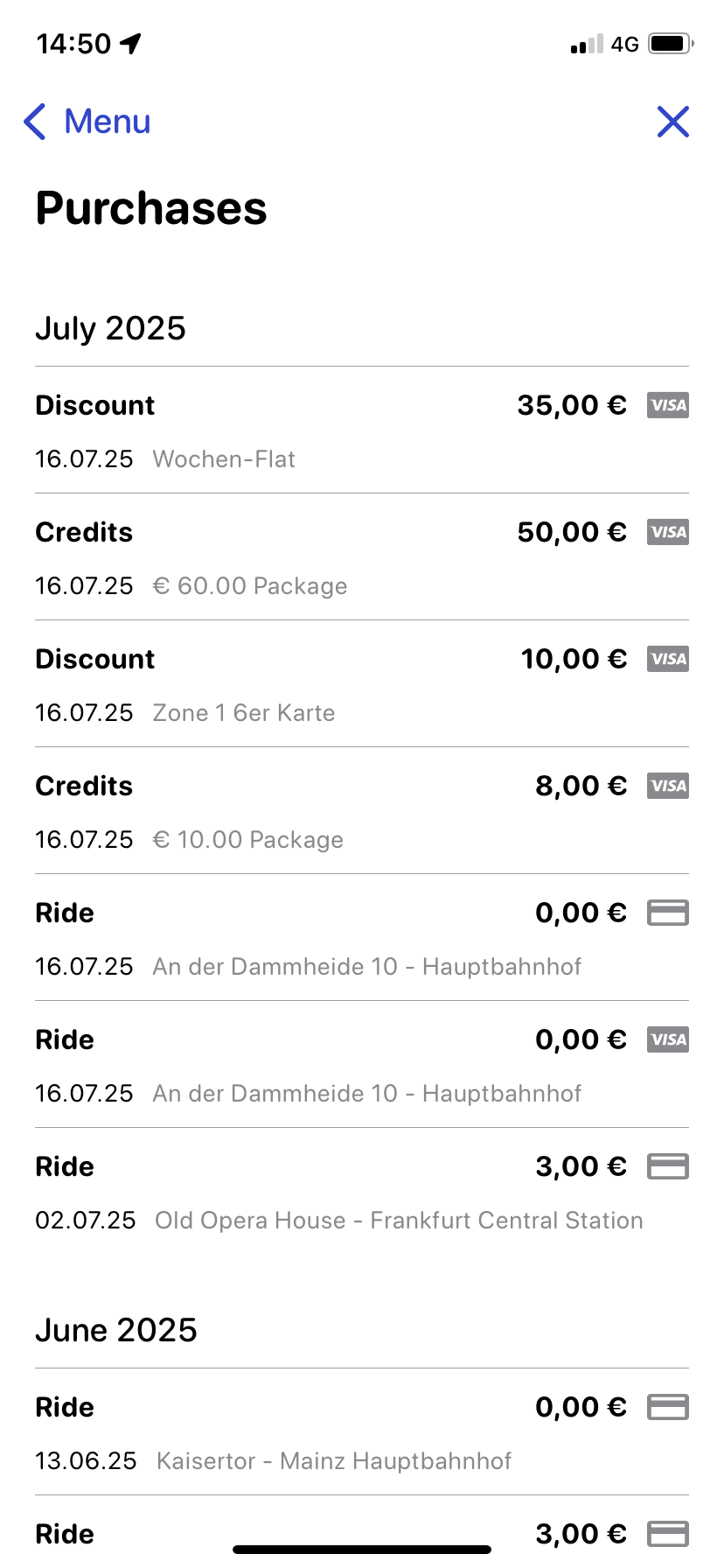
We’ve launched a new Purchases section in the ioki Passenger App to give users greater transparency and control over their past bookings, payments, invoices, and refunds.
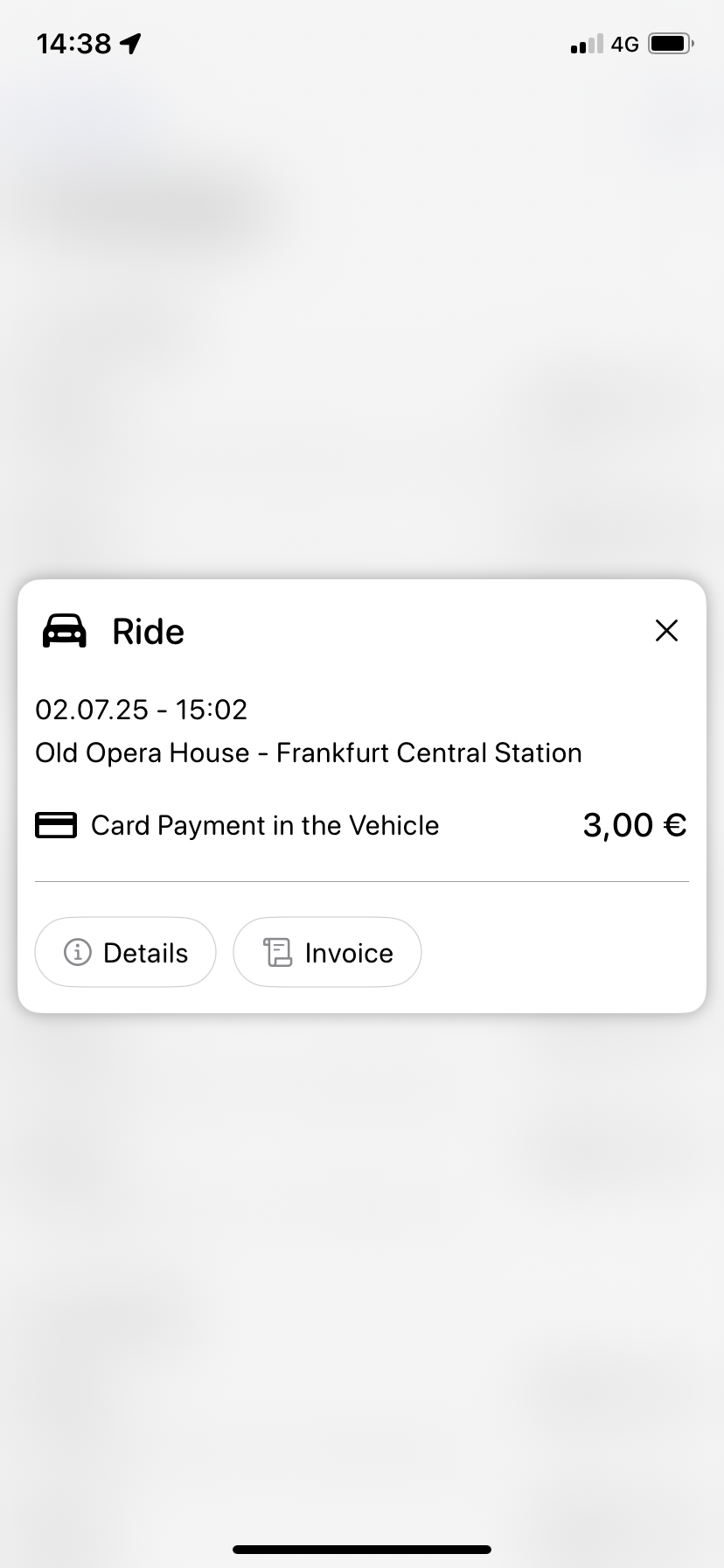
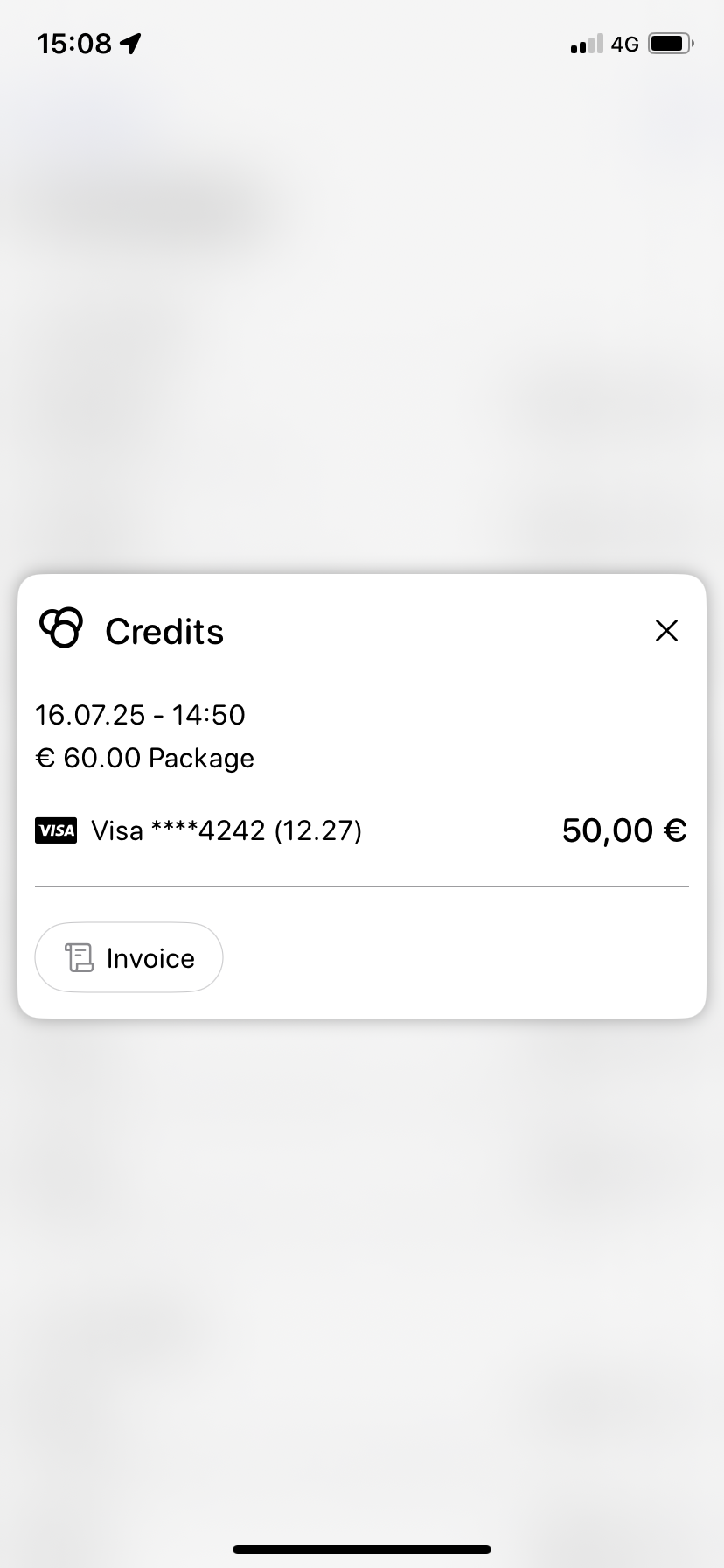
Passengers can now access their complete purchase history, including detailed information such as routes, prices, times, and payment methods. Purchases are automatically sorted by date and type. The section also highlights any pending or failed payments, enabling users to quickly identify and resolve issues.
In addition, passengers can download PDF invoices for individual rides—perfect for personal accounting or reimbursement.
ioki Reporting
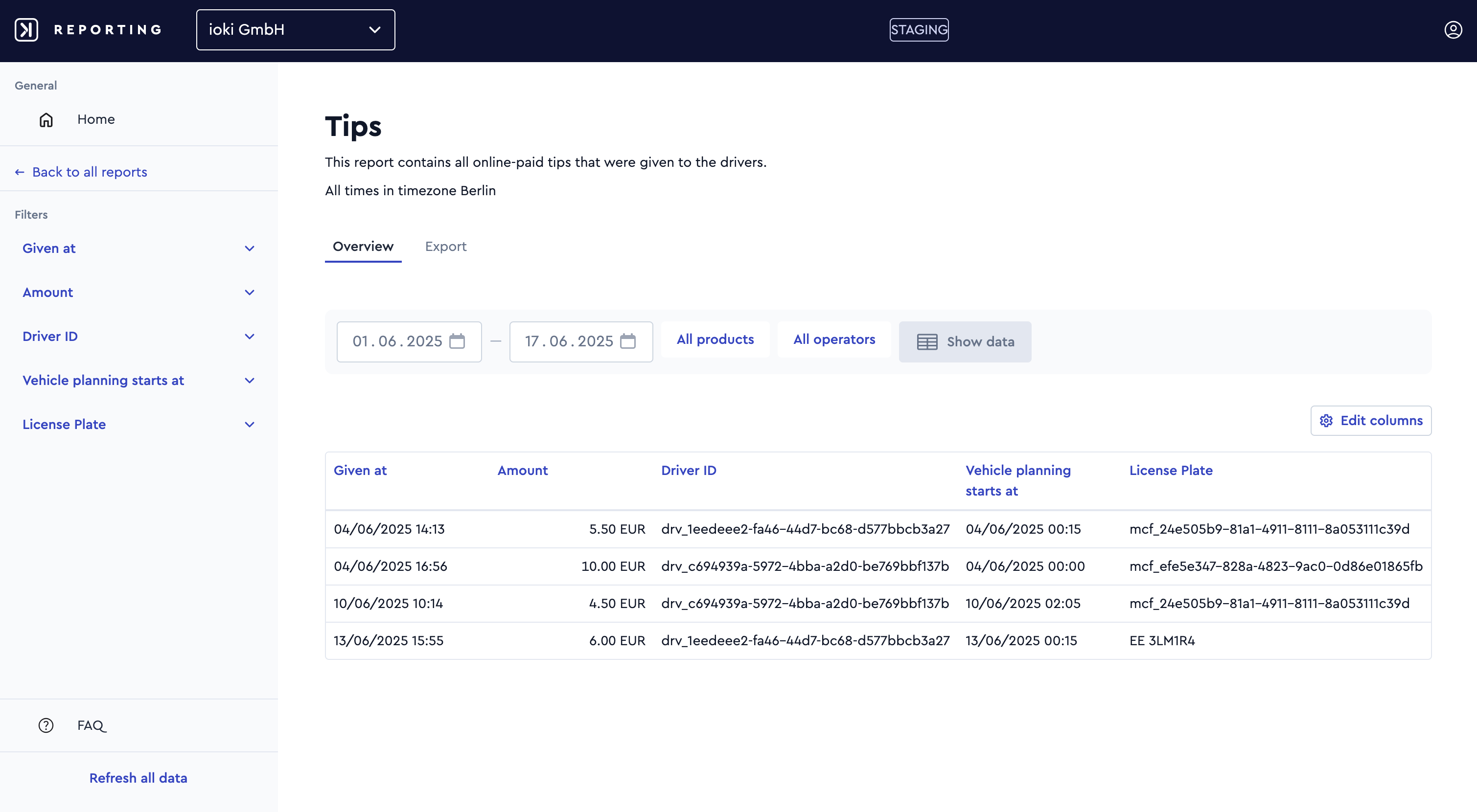
Financial reports – tips
The new Tips report offers a clear overview of all digitally paid tips to drivers. Each tip is linked to a unique driver ID. If driver names are required, the corresponding data can be exported and enriched via the ioki Data Bridge.
It’s easy to assign tips to the correct driver for payout or accounting by using the vehicle’s license plate and the shift’s start time.
A wide range of parameters is available and can be added or removed using the Edit columns option to customize or streamline the report as needed.
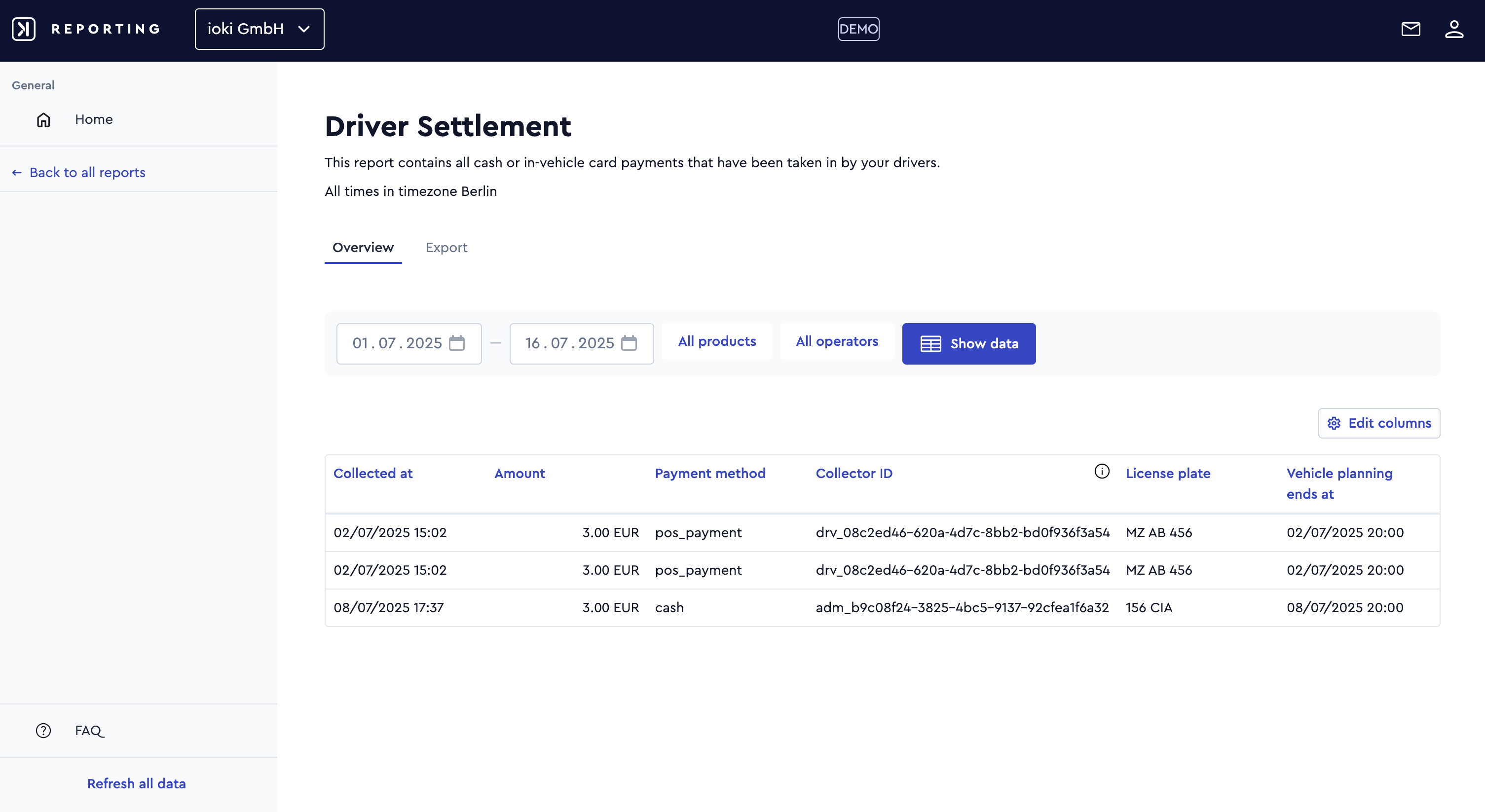
Financial reports - driver settlement
Operators can now access the Driver Settlement report, which provides a detailed overview of a driver’s income from cash payments and in-vehicle card transactions. This enables simple and accurate reconciliation with the cash desk or payment terminal at the end of a shift. The report includes key ride-specific attributes relevant for end-of-shift settlements and allows data to be filtered by product or operator.
A wide range of parameters is available and can be added or removed using the Edit columns option, allowing users to customize and streamline the report as needed.
Note: This report is only available to operators that support cash or in-vehicle card payments.
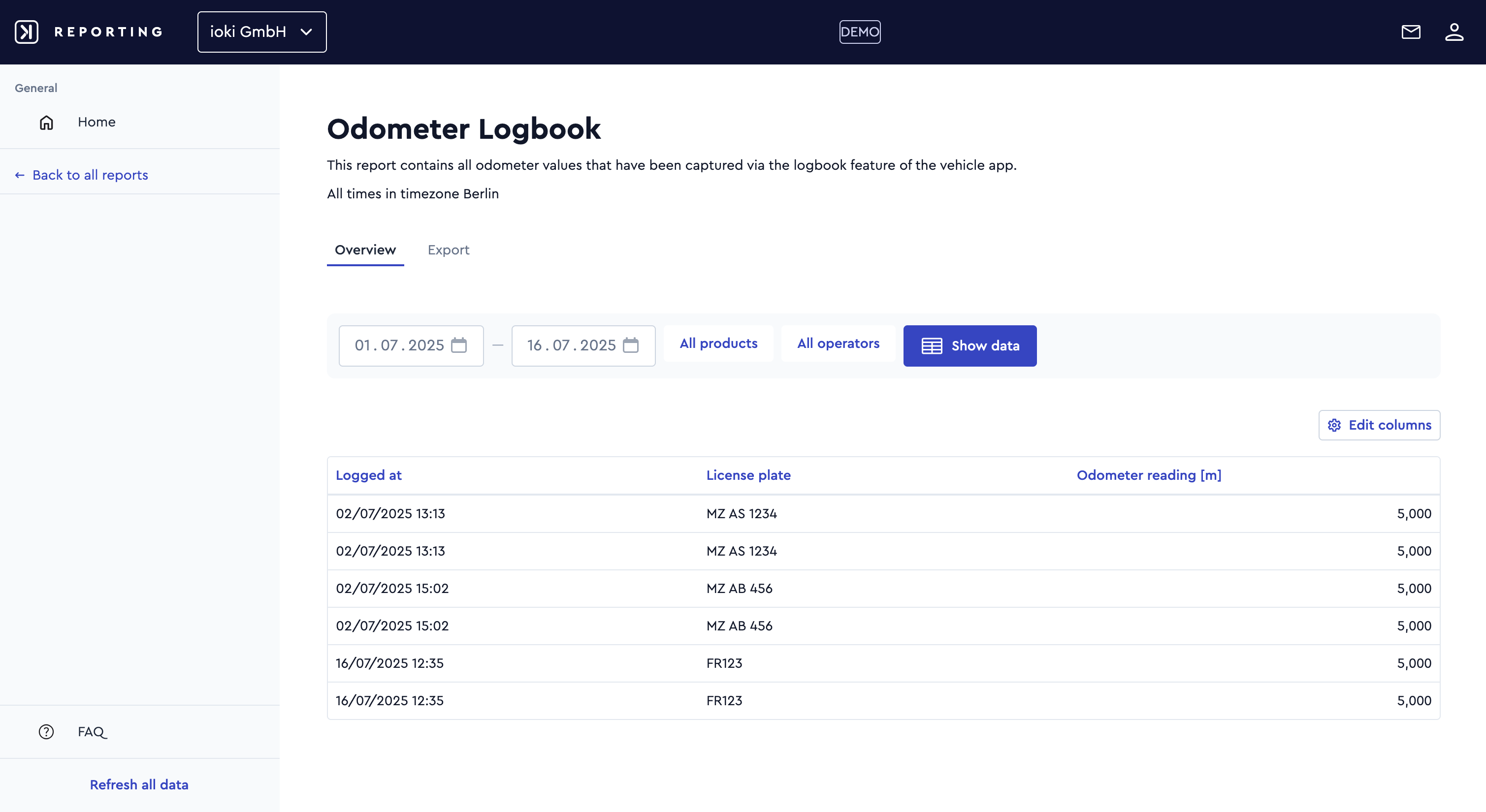
Operational reports - odometer logbook
Operators can now access all driver-reported mileage data, enabling them to provide this information to authorities if required or to compare it with GPS-based route data.
A wide range of parameters is available and can be added or removed using the Edit columns option to customize or streamline the report as needed.
Note: This report is only available if the “Logbook” feature is enabled.
Operational reports - app installations
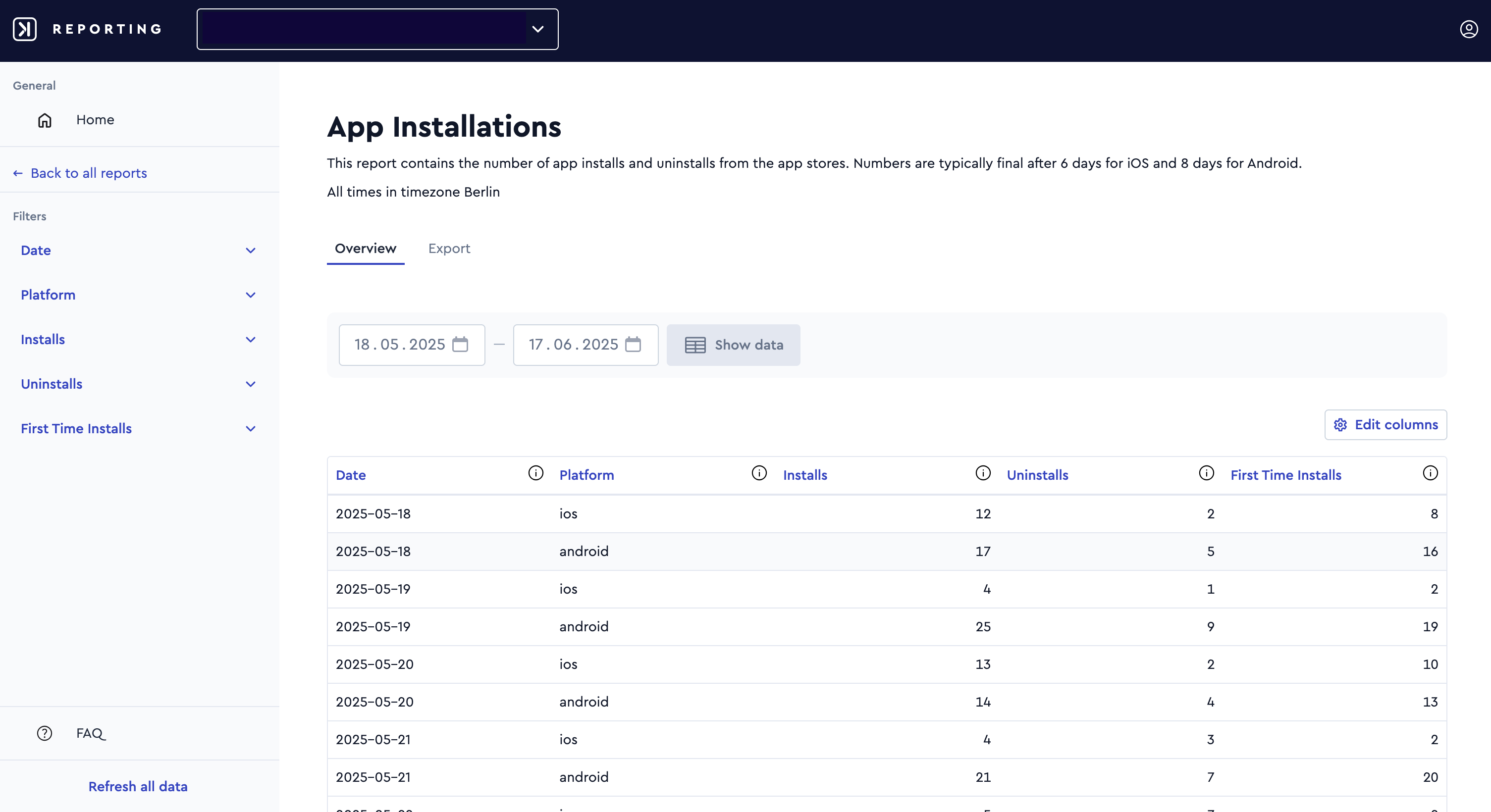
The new App Installations report contains statistics from the Apple and Google app stores.
The report shows daily figures for both Android and – thanks to a new data source from the App Store – reliably again for iOS. This data has been available since April 30, 2025.
In addition to the total number of installations, the report also includes the number of first-time installations and uninstalls.