
Administrators
Roles: Super Admin
Super Admins can create an administrator account directly from the Management Area.
Assign products and providers
Administrators can be assigned access to specific products and providers by toggling them with the slider.
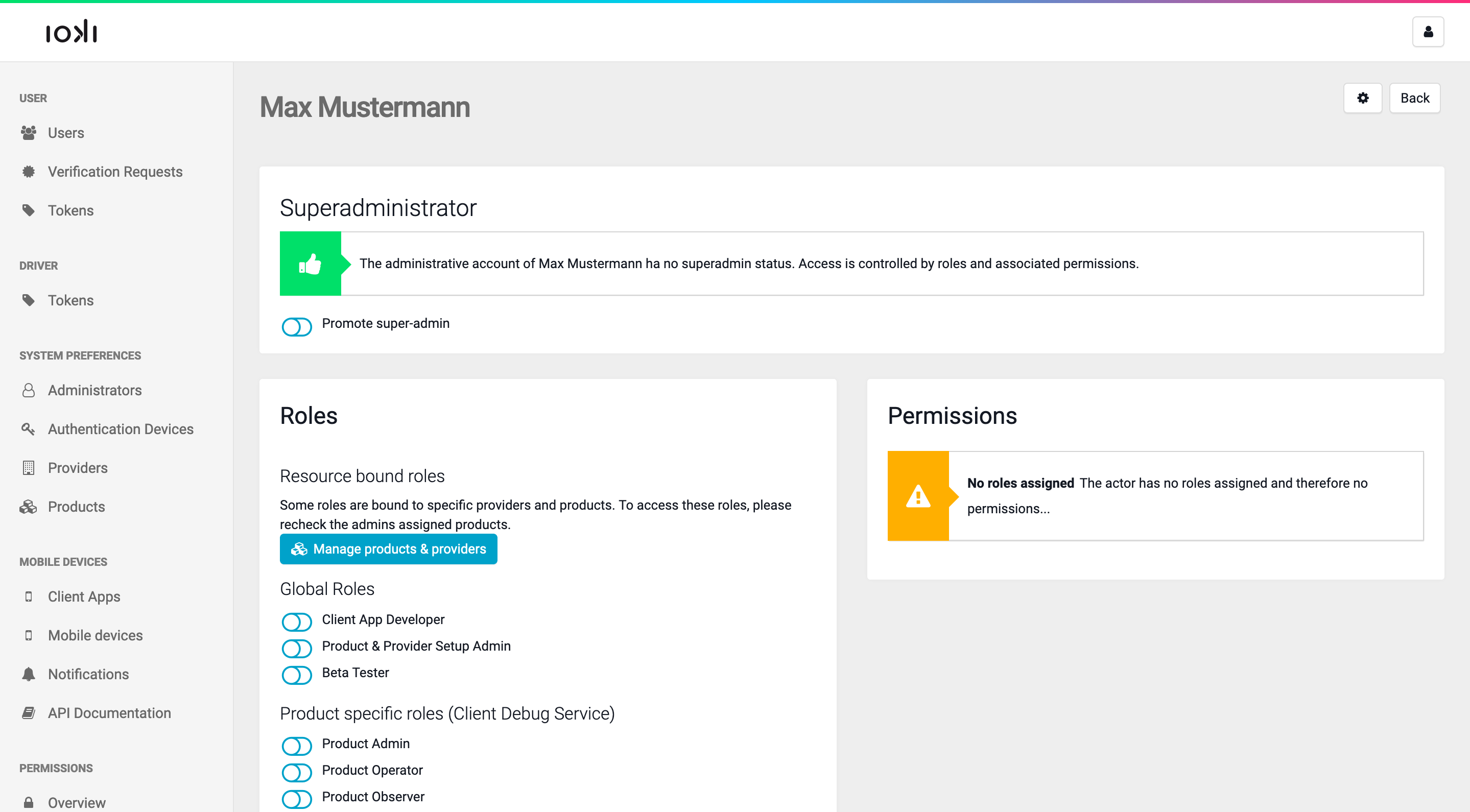
Selecting Manage roles shows an overview of the current roles and corresponding permissions assigned to an administrator. New roles can also be assigned here.
Create an administrator
Select Create new and enter the following information:
- Email. The email address of the new administrator.
- First name and Last name.
- Language. Select
German,English,French,Dutch,Spanish,Italian,Catalan,Danish,Turkish, orUkrainianfrom the dropdown menu to specify the administrator’s language. - Password. A strong initial password for the administrator. It must consist of at least 8 characters, including at least one uppercase letter, one lowercase letter, and one special character.
- Password confirmation. Re-enter the chosen password for verification.
- Two-factor token card (leave blank if a mobile phone will be used). There are two ways to activate two-factor authentication. One is via a mobile phone. In that case, leave this field blank. After submitting the form, the next step is to scan a QR code containing the authentication secret and confirm it using a code from the administrator’s chosen mobile app.